
ChatGPT AI Agent: How to Build and Use One

Ever wish you could clone your best sales rep? What if you could build a small army of them who work 24/7, never get tired, and are laser-focused on hitting their targets? That's essentially what a ChatGPT AI agent brings to the table. 😉
Think of it this way: instead of just asking ChatGPT questions, you’re giving it a specific job, a set of tools, and the freedom to get things done on its own.
This guide will walk you through exactly how to do it, packed with real use cases and actionable steps. By the end, you’ll have a clear roadmap to build your very own ChatGPT AI agent. Let's get started.
What Is a ChatGPT AI Agent?
So, what are we actually talking about here? A ChatGPT AI agent is a system that uses ChatGPT's powerful language model as its "brain" to analyze situations, make intelligent decisions, and execute tasks autonomously. It’s a huge leap beyond your standard chatbot.
It’s not just a conversational tool; it’s a worker. And businesses are catching on fast.
Advantages and Disadvantages
Building a ChatGPT AI agent is incredibly accessible, but like any technology, it comes with its own set of pros and cons.
Advantages:
- Easy to build: With no-code tools, you can get started in minutes.
- Highly intelligent: It leverages the advanced reasoning of models like GPT-4.
- Accessible to everyone: You don't need a PhD in computer science.
- Low cost: It's far cheaper than hiring a human for the same repetitive tasks.
Disadvantages:
- Depends on ChatGPT: Your agent's performance is tied to OpenAI's model.
- API costs: Scaling up can lead to significant API usage fees.
- ChatGPT limitations: It can "hallucinate" or make up information.
- No long-term memory: By default, it doesn't remember past interactions.
The Verdict: For beginners and teams looking to automate repetitive tasks without a huge upfront investment, a ChatGPT AI agent is an excellent starting point.
Ready to see how you can create one?
3 Ways to Create a ChatGPT AI Agent
Okay, let's get practical. Building your first ChatGPT AI agent is more straightforward than you might think. There are a few different paths you can take, depending on your technical skills and how much time you have.
Here are the three most common methods, from super simple to fully custom.
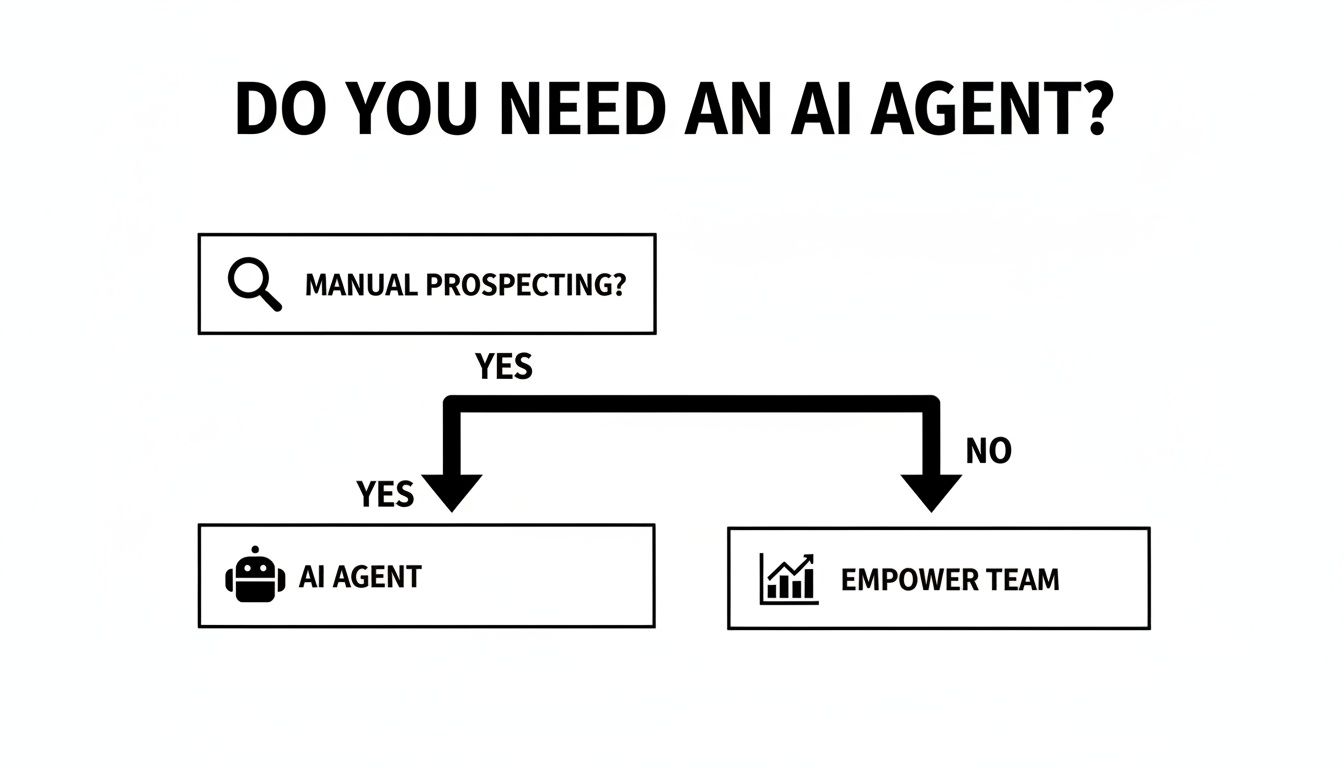
Method 1: Gojiberry (Recommended)
This is the no-code, easy-button approach. Platforms like Gojiberry are designed specifically for creating sales and prospecting agents. They provide a simple, intuitive interface where you can define your agent's goals and connect your tools without writing a single line of code.
- Time: 5 minutes. Seriously.
- Code: Not required.
- Advantages: It’s incredibly easy to use, built for sales workflows, and even offers French-language support.
- Verdict: 🏆 BEST CHOICE. For speed, simplicity, and immediate results, a specialized no-code tool is the clear winner for most teams.
Method 2: Make + ChatGPT
Next up are visual workflow builders like Make or Zapier. Think of these as digital LEGOs for automation. You can connect thousands of apps by dragging and dropping modules to create a custom workflow. A typical setup involves a trigger (like a new email), a step that calls the ChatGPT API for a decision, and then an action in another app.
- Time: 30 minutes.
- Code: Not required, but understanding logic helps.
- Advantages: It’s highly flexible, connects to almost any app, and is relatively affordable.
- Verdict: GOOD COMPROMISE. A fantastic option if you need to integrate a wide variety of tools and are comfortable with building automations.
Method 3: Python Code + ChatGPT API
For those who want total control, there's the custom development route using Python and the OpenAI API. This approach lets you build a completely bespoke agent tailored to your exact needs. You're the architect, writing the logic, managing memory, and handling integrations.
- Time: 2–3 hours (or more).
- Code: Required. You'll need Python skills.
- Advantages: The flexibility is limitless. If you can code it, you can build it.
- Verdict: FOR DEVELOPERS. This path offers unparalleled power but requires a significant time investment and technical expertise.
Case Study – ChatGPT AI Agent for Customer Support
Theory is great, but what does this look like in the real world? Let’s break down a common scenario: an e-commerce business drowning in customer questions.
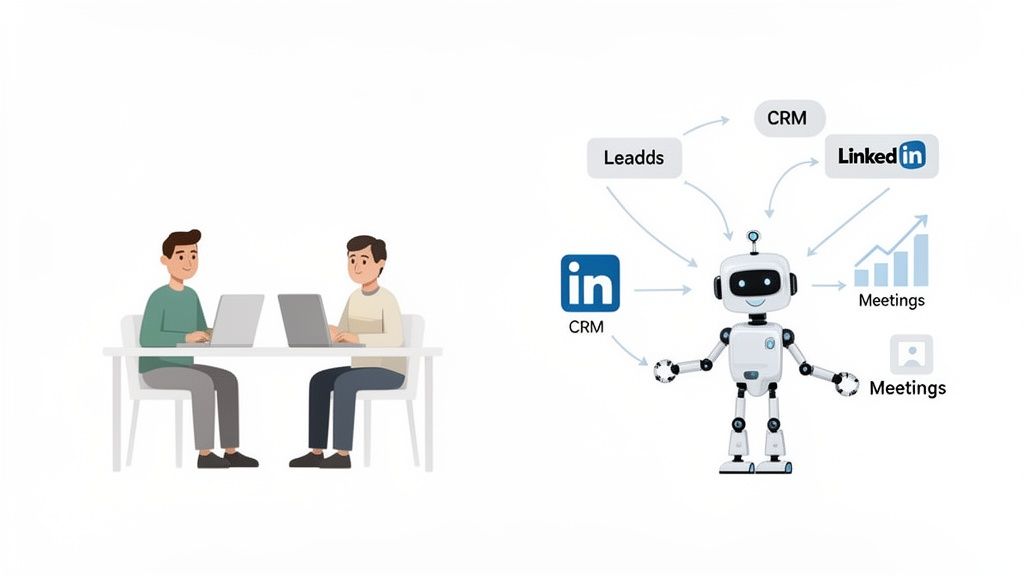
The Situation
An online store was getting around 100 customer questions per day, mostly about order status, returns, and product details. Their small support team was overwhelmed, leading to slow response times. Their budget for a solution was tight: €100 per month.
The Solution
They decided to build a ChatGPT AI agent to handle the front line of their customer support. The setup was surprisingly fast.
- Build the Agent: They used a no-code platform to create the agent.
- Train it: They fed the agent their entire FAQ library and product database.
- Integrate it: They connected the agent to their website's live chat widget.
The entire process took about 1 hour.
The Results
The impact was immediate and transformative.
MetricResultQuestions Resolved Automatically80%Human Escalation Rate20%Customer Satisfaction90%Monthly Cost€100ROI400% (in support cost savings)
By automating the repetitive questions, they freed up their human team to focus on the complex issues that truly required a personal touch. The business saved money, and customers got faster answers. A classic win-win. ✨
Effective Prompts for AI Agents
An agent is only as smart as the instructions you give it. Vague prompts lead to vague results. The secret to a high-performing ChatGPT AI agent lies in crafting precise, detailed prompts.
Think of it like briefing a new team member. The more context and clarity you provide, the better they'll perform. So, how do you do it right?
Prompt 1: LinkedIn Prospecting
Let's say you want your agent to find and engage with leads on LinkedIn.
The Prompt:
"You are a LinkedIn prospecting expert for a B2B SaaS company selling project management software. Your goal is to find VPs of Engineering at tech companies. Analyze this profile: [Profile Data]. Based on their job description, decide if they are a qualified lead. If yes, generate a personalized, 300-character connection request that mentions a recent project they posted about."
The Result: A highly relevant and non-spammy outreach message that’s more likely to be accepted.
Prompt 2: Customer Support
Here's how to instruct an agent to handle incoming customer questions.
The Prompt:
"You are a customer support agent for our e-commerce store. A customer asks: [Customer Question]. Answer this question using our knowledge base. If you don't know the answer or the customer expresses frustration, escalate the chat to a human agent immediately by saying, 'Let me connect you with a specialist who can help.'"
The Result: A helpful, accurate response with a clear safety net for complex issues.
Prompt 3: Lead Qualification
You can also use an agent to sift through inbound leads from your website.
The Prompt:
"You are a lead qualification expert. Our Ideal Customer Profile is Marketing Managers at e-commerce companies. Analyze this lead from our contact form: [Lead Data]. Based on our ICP, qualify this lead and give it a score from 1 to 10. Provide a one-sentence reason for your score."
The Result: A consistent, data-driven lead qualification score that helps your sales team prioritize their time.
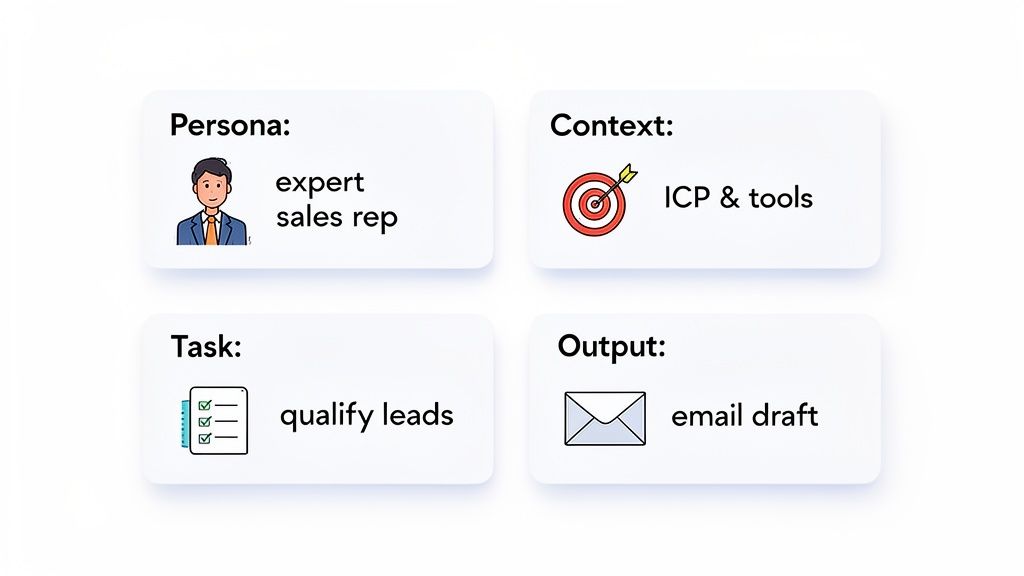
Pro Tip: Be extremely precise in your prompts. Specify the persona, the goal, the context, and the desired output format. The more detail you give, the better the agent will perform.
Limitations and Solutions
Building a ChatGPT AI agent is powerful, but it's not a magic bullet. Users consistently report a few common challenges. The good news? For every limitation, there's a smart solution. 💪
❌ Limitation 1: No long-term memory.An agent won't remember past conversations by default, which is a dealbreaker for building relationships.
- Solution: Use an external database (like a CRM or even a Google Sheet) to store interaction history. The agent can query this "memory" before each new interaction.
❌ Limitation 2: High API costs.If your agent is handling thousands of tasks, the API calls to OpenAI can get expensive fast.
- Solution: Use lighter, cheaper models (like GPT-3.5-Turbo) for simple tasks and reserve the powerful (and more expensive) GPT-4 for complex reasoning.
❌ Limitation 3: ChatGPT hallucinations.AI models can sometimes confidently invent facts or details.
- Solution: Add validation checks. Before taking a critical action (like sending an email), have the agent's output cross-referenced against a trusted data source or flagged for human review.
❌ Limitation 4: No real autonomy.The agent is a brilliant reasoner, but it still needs guardrails to operate effectively.
- Solution: Add hard-coded business rules. For example, "Do not contact the same lead more than twice in 30 days." This prevents the agent from going off-script.
❌ Limitation 5: Dependency on OpenAI.Basing your entire workflow on one provider can be risky.
- Solution: Explore alternative models like Anthropic's Claude or Meta's Llama. Many platforms allow you to switch between different language models.
Ready to Build Your Own AI Agent?
You've seen what a ChatGPT AI agent can do and how to build one. Now it's time to put that knowledge into action and reclaim your team's most valuable resource: time.
With a tool like Gojiberry, you can build a simple, fast, and effective sales agent in minutes. It's the perfect way to automate prospecting and fill your pipeline with qualified leads.
The platform includes proven prompt templates and a step-by-step guide to get you started.
The power of a ChatGPT AI agent is no longer reserved for developers. It's accessible to everyone. By combining the intelligence of ChatGPT with the simplicity of a no-code platform like Gojiberry, you have a powerful combination to drive growth.
So, what are you waiting for? Go create your first AI agent now and see what it can do for you. 🚀
Frequently Asked Questions
What's the real difference between a ChatGPT AI agent and a standard chatbot?
The key difference is proactivity. A standard chatbot is reactive; it waits for a user to ask a question and follows a predefined script. An agent is proactive. It can analyze data, make decisions, and execute multi-step tasks across different applications to achieve a goal. A chatbot answers, while an agent acts.
What are the most common mistakes people make when building an AI agent?
Based on feedback from hundreds of users, two mistakes stand out. The first is using vague prompts. Your agent is not a mind reader, so be incredibly specific with your instructions. The second is not giving the agent access to the right tools. If you want it to qualify leads based on your CRM data, it needs access to your CRM. Give it the tools it needs to succeed.
Can a ChatGPT AI agent be used for tasks other than sales and support?
Absolutely. While sales and support are popular starting points due to the clear ROI, the applications are nearly endless. Marketers use them to automate social media content creation, operations teams use them to triage internal requests, and developers use them to automate code documentation. Any repetitive, rule-based workflow is a great candidate for an AI agent.

More High-Intent Leads = Your New Growth Engine.
Start Now and Get New High Intent Leads Delivered Straight to Slack or Your Inbox.