
10 best Clay.com alternatives for GTM teams in 2026

60-second quiz
Which Clay.com alternative fits your gap?
No email required.
QUESTION 1 / 3
What made you look for a Clay alternative?
QUESTION 2 / 3
Where do the people you sell to sit?
QUESTION 3 / 3
Who would run the replacement next Tuesday?
🚀
Your fit: Gojiberry
You didn't leave Clay over the price, you left over the hours. Gojiberry watches your market for the accounts that started looking, checks them against your ICP, and drafts the first message.
💰
Your fit: FullEnrich or Gumloop
The build was fine, the invoice wasn't. Both keep the part of Clay you were using and drop the part you were paying for, with unlimited seats on either.
🎧
Your fit: Cognism or Apollo
No amount of orchestration fixes a source that doesn't hold your market. Buy the data directly instead of assembling it, then decide whether you still need the table on top.
Clay.com is the GTM tool where you build a table, point it at a dozen data providers, and then let it fill in the columns. It's very good, and it costs $185 a month before a single provider credit is spent.
At two to ten people with no ops person, the wall comes in two parts. Somebody has to own the tables, and that somebody is already carrying a quota, badly. Then the credits land on top of the subscription. Below: the ten tools we looked at, what they cost in July 2026, and which one fits.
Gojiberry finds your prospects for you
No table to build and no waterfall to configure. Gojiberry watches your market and sends you the accounts that started looking for what you sell, before they're anyone else's lead.
Get your first leads for freeTable of contents
We compared the 10 best Clay alternatives for you
Nothing here does everything Clay.com does, and most teams who leave weren't using the rest. The table below sorts the ten by which part they replace, from the enrichment layer through to skipping list building altogether.
Entry prices, and entry prices decide very little in this category. Credits and provider costs decide the budget, which is what the cost section further down is for. It's the second invoice that surprises people.
How we tested these tools
We spent July 2026 on this comparison, reading every tool through the eyes of a two-to-ten person sales team with no ops function. Every pricing page was opened and dated. Every product with a self-serve signup was created on a free or entry plan and used far enough to see what a first enrichment costs and how long the setup takes. The three vendors that gate access behind a sales call were read through public documentation, buyer-reported contract figures and reviews from the last twelve months. Several prices circulating in competing comparison posts predate Clay's March 2026 repricing, which is why we didn't reuse them.
What you won't find here is a table of measured hit rates. We haven't run a controlled enrichment test across ten tools on one identical list, and a number we invented would be worth less than this sentence saying we didn't. When we run it, the results land on this page. We pay for every plan ourselves, no vendor read this before publication, and Gojiberry is our own product, so read that section as informed rather than neutral.
The 10 best alternatives to Clay
Five of the ten are places to buy data. Three replace the enrichment layer without the spreadsheet. One is a canvas for people who wanted to keep building. And the first one doesn't ask you to build a list at all.
Gojiberry is first because it's ours and because it answers the complaint that brought most readers here. The nine after it aren't ranked against each other, they're grouped by which part of Clay.com they stand in for.
1. Gojiberry
Gojiberry is an AI-powered multichannel prospecting platform. It tracks more than 30 buying signals across socials and the web, surfaces the accounts that started looking for what you sell, and writes the first message. There's no table to build and no waterfall to configure.
- 🔔Signal tracking: More than 30 triggers, from a new role to somebody engaging with a competitor.
- 🎯ICP scoring: Every account is checked against your buyer profile, before a message goes out.
- 📧Multichannel sending: The agent writes and sends across email and socials, with no sequence to assemble.
- 🧠Copilot mode: Approve each message before it leaves, or let the agent run unattended.
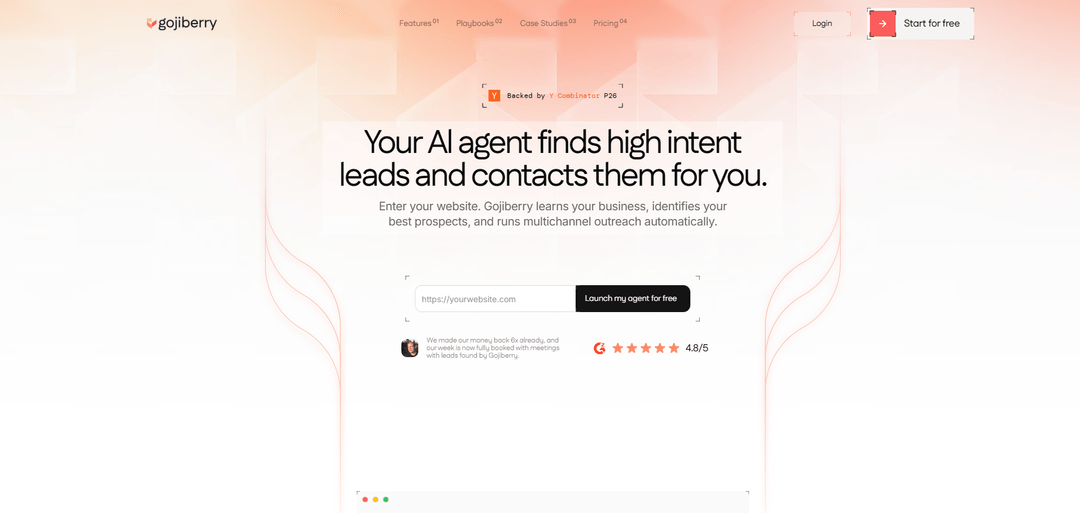
$99 a month per workspace, not per seat and not per credit. That covers 2 social senders, two agents running around the clock, and up to 1,800 prospects contacted a month. The invoice doesn't move when a third rep joins.
If somebody on your team enjoys building tables, Clay is the better tool and we'd rather say so here than bury it. What we replace is the building, and that only pays off when nobody wants the job.
2. Apollo
Apollo bundles a contact database with a sequencer and a dialer, all under one subscription. It's the swap people make when the Clay.com bill lands and the workflow they built turns out to be a list they could have filtered in one screen.
- 📚Database included: A few hundred million contacts, filtered by title, headcount, technology and location.
- 📤Sequencing built in: Email, calls and tasks run from the same login as the data.
- 🔎Browser extension: Reveal contact details on the page you're already reading.
- 🔗CRM sync: Two-way with HubSpot and Salesforce from the paid tiers up.
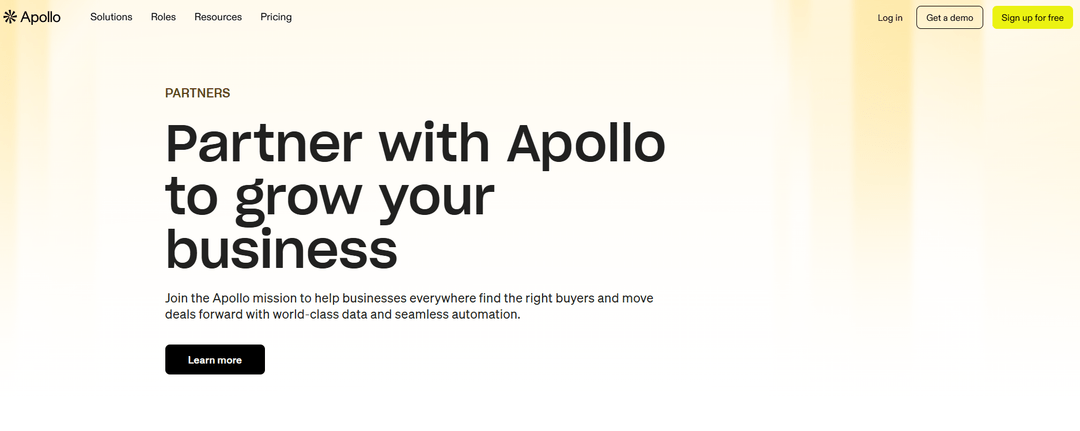
Free plan, then Basic at $49 per user per month on annual billing, Professional at $79 and Organization at $119 with a three-seat minimum. Credits are the part to model: an email costs one, a phone number costs eight, and what you don't spend doesn't roll over.
Coverage per dollar is the best here, and coverage still isn't targeting. You'll pay a fraction of the Clay bill and remain the person deciding who deserves a message.
3. FullEnrich
FullEnrich does the one part of Clay most small teams use: the waterfall. It queries more than 20 data providers in sequence for a single contact, and stops at the first one that returns something verified. There's no table around it.
- 🧩Waterfall and nothing else: Twenty-plus providers under one subscription, with no table to build around them.
- 💰Charged on success: A lookup that finds nothing costs nothing, which is the entire pricing model.
- 🔬Triple verification: Emails pass three checks, and roughly 80% of catch-all domains get resolved.
- 👥Unlimited users: Credits sit in one pool the whole team draws from.
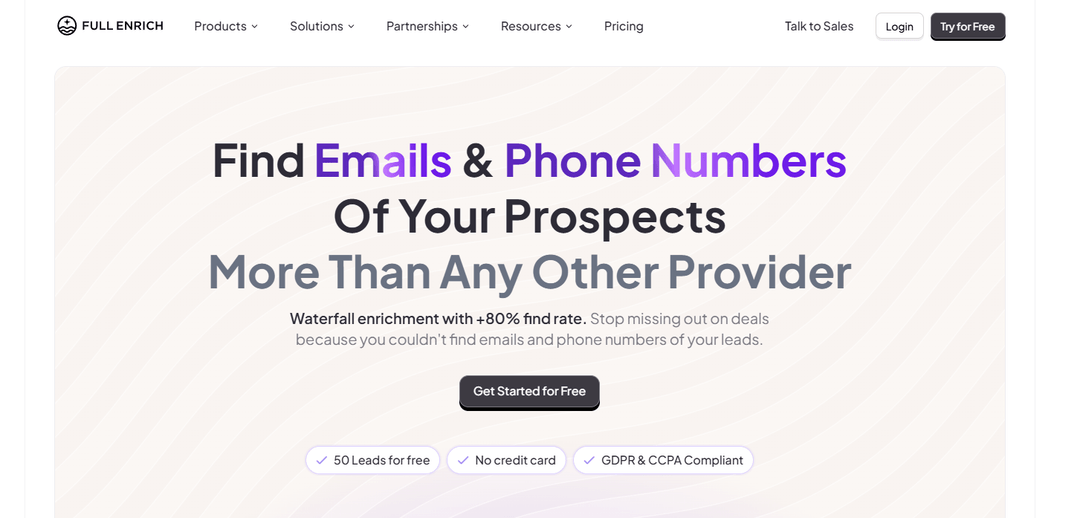
Starter is $29 a month for 500 credits, and Pro sits near $55 for 1,000, with about 30% off on annual billing. A work email costs one credit and a mobile costs ten, so that's 500 addresses or 50 phone numbers.
Narrower than Clay by design, and cheaper by an order of magnitude. If enrichment was the only reason you opened Clay, this is the whole reason you'd close it.
4. Gumloop
Gumloop is a visual builder for AI workflows rather than a data tool. You drag nodes onto a canvas, wire scraping and model calls together, and end up with something that behaves like the Clay table you'd have built by hand.
- 🎨Node canvas: Build the flow visually instead of writing the glue code between steps.
- 🤖Model agnostic: Bring your own API keys and pick which model runs each node.
- 🔀150+ connectors: The workflow can end wherever the rest of your stack lives.
- 🚀Unlimited seats: The paid tier stops charging by headcount.
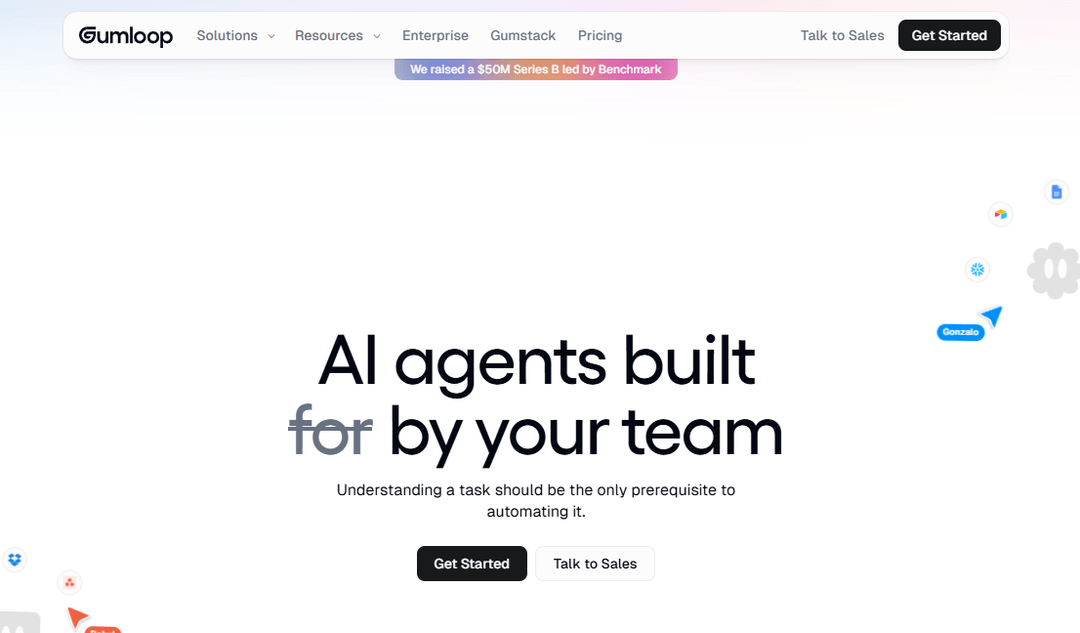
Free covers 5,000 credits a month on one seat. Pro opens at $37 a month with 20,000 credits and unlimited seats, and Enterprise is quoted. Credit burn depends on which model each node calls, so an AI-heavy flow costs several times what a scraping flow does, and you won't know which one you built until it runs.
Gumloop swaps Clay's spreadsheet for a canvas and keeps everything else, the building included. Wrong answer for anyone who came here tired of building. Right one for anyone who liked building and hated the invoice.
5. Freckle.io
Freckle sells itself as Clay without the learning curve, and the pitch mostly holds. You type what you want in plain English, an ISO certification, an open sales role, a current pricing tier, and its agents go and find it across more than 40 providers. You don't configure anything.
- 📝Plain-English requests: Describe the field you want rather than configuring a provider chain.
- 🔄CRM-native: It sits on HubSpot or Salesforce and fills the gaps in records you already have.
- 🧮Success-based credits: One credit per data point returned, five for a phone number.
- 📁Unlimited users: Every plan, with no seat arithmetic on top of the credit arithmetic.
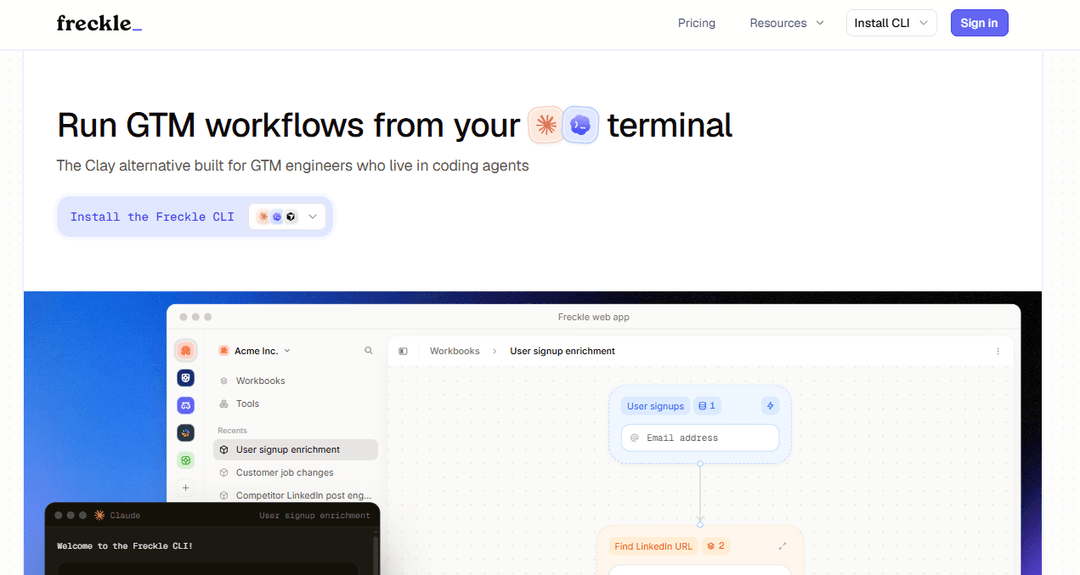
Free covers 100 credits, then paid plans price by monthly volume: $99 for 2,500 credits, $189 for 5,000, $349 for 10,000, up to $999 for 40,000. A phone number costs five credits, which moves the math fast if calling's your channel.
It's built for the person Clay was never built for. Then the ceiling arrives: HubSpot and Salesforce only, no sequencing, and no signal layer at all.
6. ZoomInfo
ZoomInfo is what a Clay table spends weeks approximating: one vendor that already owns the data. The database is the deepest of the ten, and the intent layer tells you which accounts are researching your category. It's priced like it too.
- 📊Buyer intent: Topic-level research signals feed account prioritization.
- 🏢Org charts: Reporting lines are visible before you pick an entry point.
- 🔧Scheduled enrichment: Records refresh against Salesforce or HubSpot on a cadence you set.
- 🌍Global coverage: Deep in North America, thinner but present across other regions.
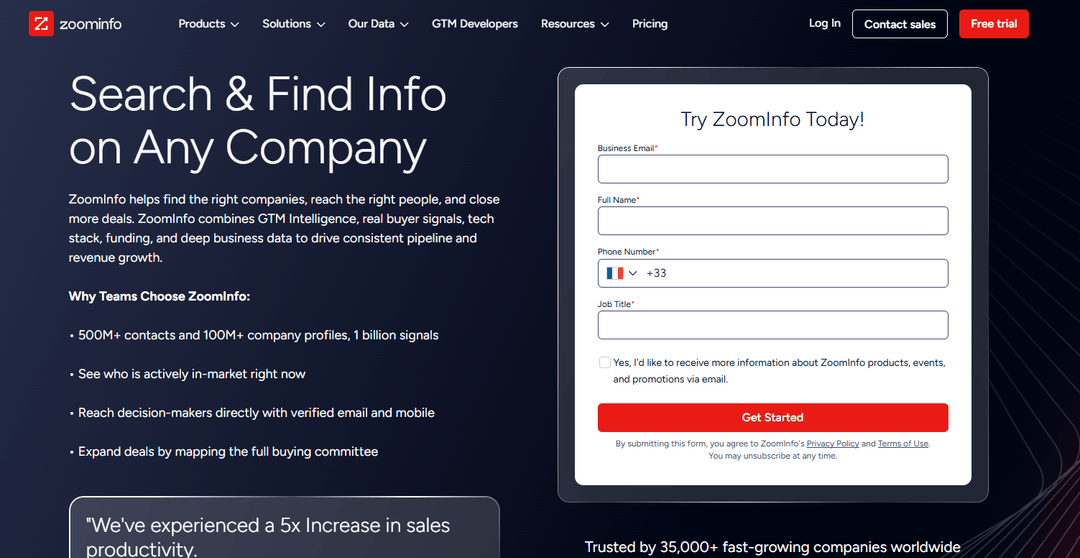
There's nothing published. Reported quotes open near $14,995 a year for three seats and 5,000 credits, with the middle tier around $24,995. Annual only, three-seat minimum, and procurement data puts the median signed contract above $31,000 a year.
At three reps this is a category error rather than a comparison. Past twenty reps with somebody owning ops, it does in one subscription what a Clay build spends a quarter getting close to, and it doesn't need a maintainer.
7. Cognism
Cognism is the answer when the reason your waterfall keeps coming back empty is Europe. Its Diamond Data® records are mobile numbers a person has called to confirm before they're ever handed to your dialer.
- 📞Phone-verified mobiles: Checked by a human rather than inferred from a pattern.
- 🔒Compliance screening: Contacts are screened against do-not-call registers on the way out.
- 📈Intent topics: Research signals sit on top of the firmographic filters.
- 🌐EMEA depth: UK, DACH and Nordic coverage beyond what US-first providers carry.
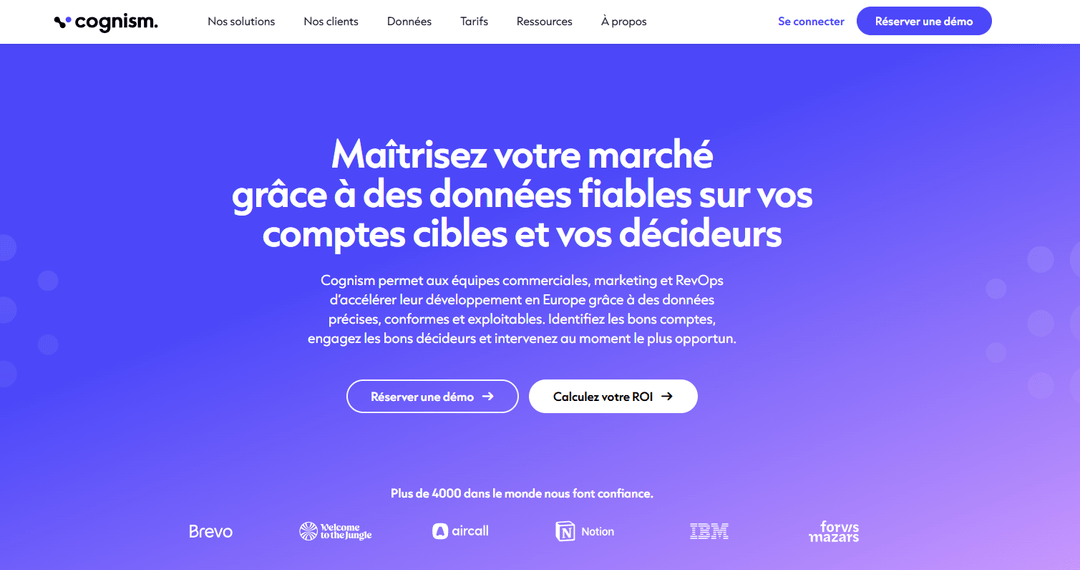
There's no pricing page and no self-serve signup. Buyers report a platform fee plus per-seat licensing landing around $15,000 to $25,000 a year for five to ten seats, on annual contracts only, with renewals reported to climb at each cycle.
The contract closes the door on most teams of two to ten. Behind that door, no waterfall you'd assemble yourself will match it on European mobiles.
8. Lusha
Lusha is the opposite of a workflow. You're on a prospect's profile, you click the extension, and a mobile and a direct email appear in about two seconds.
- 🔍Instant reveal: A number on the profile you're already reading.
- 📥Bulk show: Reveal a saved batch in one pass rather than one click at a time.
- 🔁CRM enrichment: Records sync back, so your own database ages a little slower.
- 🧭European coverage: Better than most US-first tools, and short of Cognism.
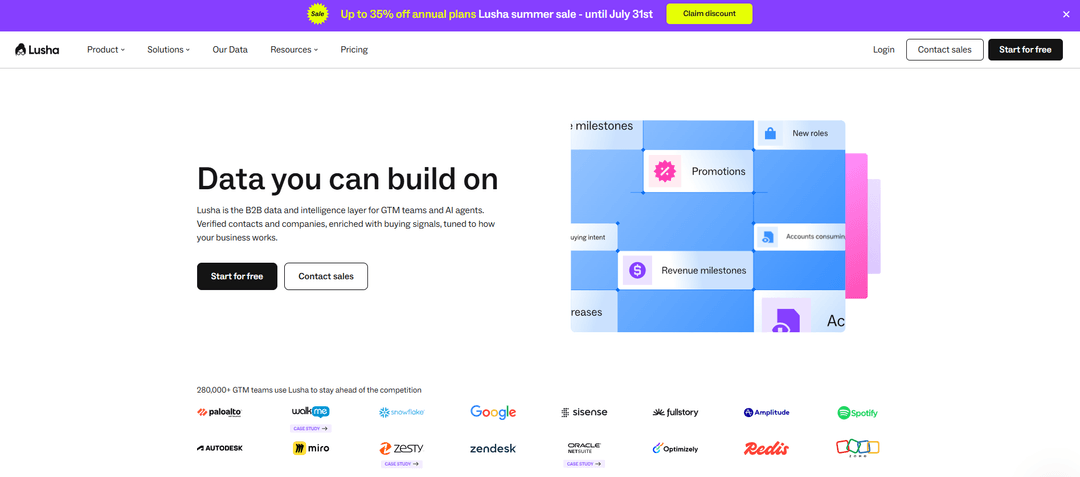
Lusha doesn't publish flat tiers, it runs a credit slider. Starter sits near $37 a month per user on annual billing, Pro near $52, and Premium jumps to roughly $300 a month for five seats. An email costs one credit, and a phone number costs several.
Nothing here gets you a number faster. It has no opinion at all on which of your 400 accounts deserves the call, which was the question Clay was supposed to help with.
9. Seamless.AI
Seamless.AI runs as a live search rather than a stored database, assembling a contact when you ask, instead of serving a row it collected last year. Phone coverage is what people buy it for, and it's the part that holds up.
- 📞Phone first: Mobile numbers are the headline, and the reason teams pick it over email-first tools.
- 🔎Live search: Contacts get assembled on request rather than pulled from storage.
- 📅Daily credits: The Pro allowance refreshes every morning and expires every night.
- 🔗CRM export: Lists push into Salesforce or HubSpot from inside the platform.
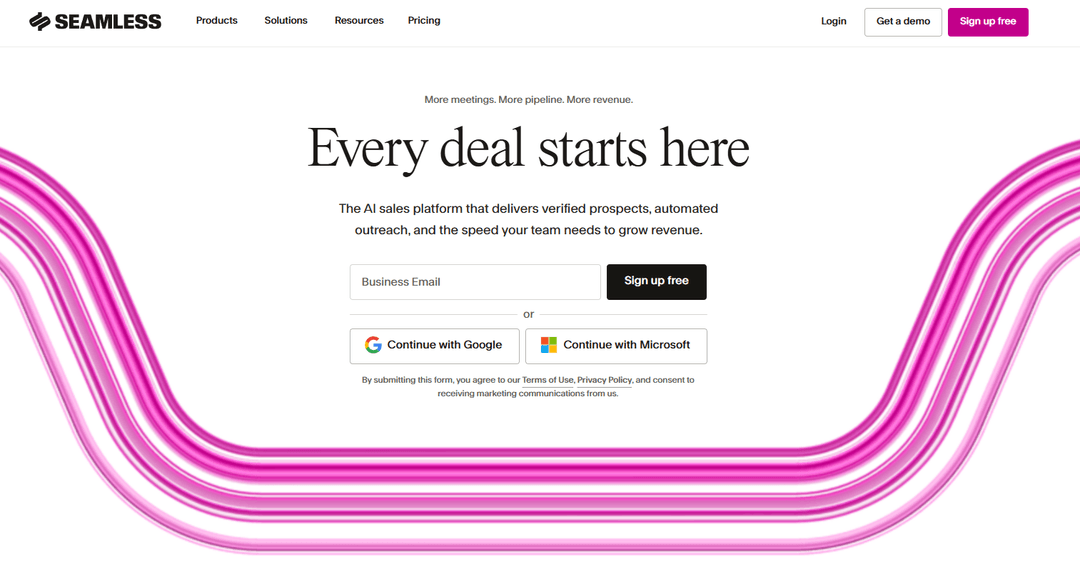
The Basic tier was removed in 2026, so there's no published paid price left. Free is 50 lifetime credits. Pro is quote-only with a five-seat minimum on an annual contract, reported by buyers between roughly $4,700 and $9,000 a year for five seats, and credits are charged even when a lookup returns nothing.
Five seats and a twelve-month commitment is an odd floor for a tool a solo founder would happily use. Read the renewal clause before signing, because that's what most of the reviews are about.
10. Hunter
Hunter has done one job since 2015: find and verify professional email addresses from a company domain. No tables, no waterfall, no canvas, and it hasn't tried to become any of those.
- 📬Domain search: Start from a company rather than a name, which nothing else here does as cleanly.
- 🧪Bulk verification: Clean any list before you send, wherever the list came from.
- 📨Campaigns included: Basic sequences ship with the plan, so a solo founder needs nothing else.
- 🧵Sheets add-on: Enrich a spreadsheet without leaving the spreadsheet.
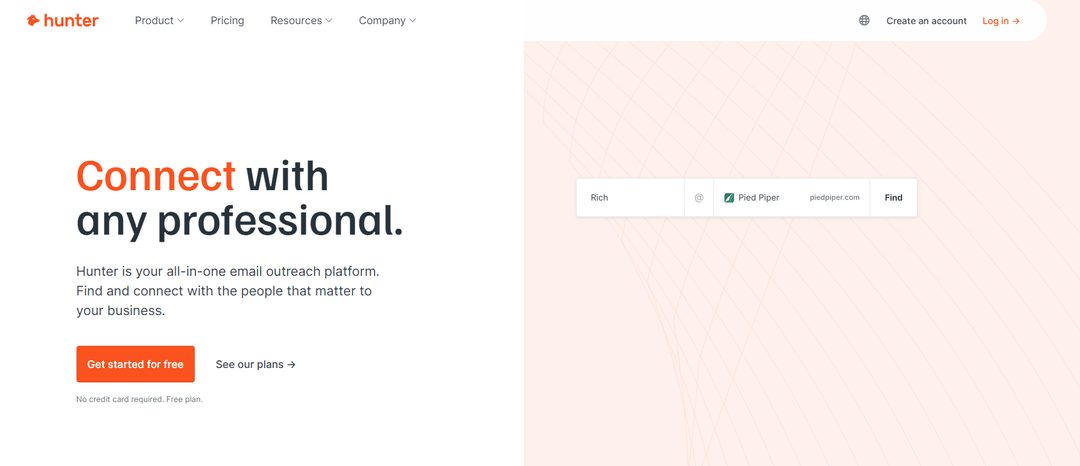
Free covers 50 credits a month. Starter is $34 a month billed annually for 2,000 credits, and Growth is $104 for 10,000, with monthly billing adding around 30%. Unlimited team members share one pool on every tier, so a second rep doesn't cost anything.
It's the cheapest thing here you'll wire in once and never think about again, at the price of never getting a phone number out of it.
You shouldn't have to build the machine first
Gojiberry watches more than 30 buying signals across socials and the web, checks each account against your ICP, and sends you the ones you'd want to write to.
Start free on your marketWhat is Clay?
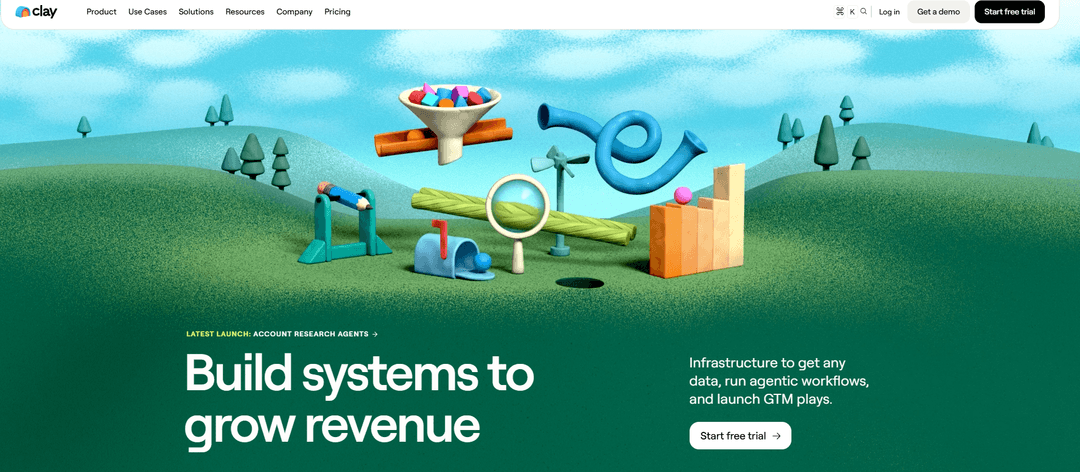
Clay.com is a go-to-market data platform built around a spreadsheet. Each row is a company, or a person, each column is an enrichment step, and the steps run through more than 150 providers, in whatever order you set. It's the most capable tool in this category and the reason it keeps winning technical teams. We took it apart at length in our Clay review.
What can you do with Clay?
You import a list, or build one from Clay's own sources, then stack columns on top: find the email, then the mobile, then the funding round, then whether they're hiring for the role you sell to. Claygent, the AI research agent, reads company sites and writes a first line from what it finds. Conditional logic skips steps that don't apply, and the finished rows push into your CRM or your sender. Anything you can describe as a sequence of lookups, you can build in Clay, which is both the pitch and the problem.
The pros and cons of Clay
- Coverage no single vendor matches, because it queries many of them in sequence.
- Since March 2026 a lookup that returns nothing costs nothing.
- Unlimited seats on every plan, which is rare at this price.
- You can bring your own provider keys instead of buying Clay credits.
- Claygent handles research that no filter could express.
- The entry tier tripled for new buyers when the old plans were retired.
- Two currencies, Data Credits and Actions, so the bill is hard to forecast.
- Provider costs sit on top of the subscription.
- Setup is measured in days, and upkeep never stops.
- One person ends up owning the tables, and the tables leave when they do.
How much does Clay cost?
Clay repriced in March 2026 and the old Starter, Explorer and Pro tiers are gone for new buyers. What's left is a free plan with 100 credits a month, Launch at $185 a month with 2,500 Data Credits and 15,000 Actions, Growth at $495, and a quoted tier above that. Seats are unlimited on all of them, which genuinely softens the entry price for three people.
The credit system is where forecasting gets hard. Clay bills in two currencies: Data Credits for the enrichment itself, Actions for everything the table does around it. A single row running an email waterfall, a mobile lookup and a Claygent research step draws on both. The repricing did fix one real complaint, because a lookup that comes back empty doesn't cost a credit any more, which is worth 20% to 30% on enrichment-heavy tables. CRM sync moved down from the old $800 tier to Growth at $495.
Then there's the layer under the subscription. You either buy Clay credits, which bundle the provider cost at Clay's margin, or you bring your own keys and pay each provider directly. Bringing your own is cheaper per lookup, and it adds a handful of subscriptions to manage. A working figure for a small team running weekly enrichment is $250 to $350 a month all in, against a $185 headline.
What do Clay users think?
The praise and the complaints are unusually consistent, and they're the same sentence read from two ends. People who love Clay describe building something in an afternoon that would have taken an engineer a week. People who leave describe the afternoon becoming every afternoon. The second recurring theme is the credit meter, and the third is the repricing, which landed badly with teams who had built their stack around the old $149 tier.
Why do people look for a Clay alternative?
1. The price climbs with the credits
$185 is the number on the pricing page. The number on the card is that, plus provider costs, plus whatever the Actions column adds, and it moves every month because it tracks how much you enriched. A tool you can't forecast is a tool somebody has to watch, and in a team of three that person is also carrying a quota. The March repricing helped by dropping the charge on failed lookups, and it also tripled the entry tier for anyone signing up now.
2. Building takes longer than anyone budgets
The first useful table takes a day. The version that handles the edge cases takes a week, and then a provider changes its response format, and it takes another afternoon. None of that is Clay being badly built. It's the cost of a tool that can do anything: you have to tell it what to do, in detail, forever.
3. Somebody has to enjoy this
Clay needs a person who finds formulas and provider chains satisfying, rather than annoying. In a five-person company there's usually exactly one, and they become the bottleneck for everyone else's lists. When they go on holiday the pipeline goes with them, and when they leave the company the tables become an artifact nobody can read.
4. The real question is under the data
Here's the part that doesn't show up in a pricing comparison. A perfect table tells you who exists and what's true about them. It doesn't tell you which of those 400 accounts is in the market this quarter, and that one variable decides your reply rate.
The data is also rotting while you build. B2B contact records decay at roughly 2.1% a month according to HubSpot's database decay research, which compounds to about 22% a year, and most of that is people changing jobs rather than companies closing. The Bureau of Labor Statistics puts median tenure at 3.9 years with 22% of workers in post under a year. A job change breaks a row in your table and creates a reason to write. Which of those two your tooling notices is the whole difference between the first entry above and the nine under it.
And volume against a list nobody wanted has a ceiling now. Google requires bulk senders to keep spam complaints below 0.3%, so a bigger, better-enriched list sent to people with no reason to answer doesn't cost you a quarter, it costs you the domain.
Which Clay alternative is right for you?
Pick by which part of Clay.com you were using. Four cases cover almost everyone who's landed here.
You want a cheaper Clay
FullEnrich, Gumloop or Gojiberry
FullEnrich if the waterfall was the only column that mattered, at $29 a month charged on success. Gumloop if you liked building, and the invoice was the problem. Freckle if the person doing it would rather type a request in English. And count the hours before you count the subscriptions, because at $99 flat Gojiberry undercuts Clay before anybody spends a morning on it.
You just want reliable data
Apollo, ZoomInfo or Lusha
Stop assembling and buy it directly. Apollo gives the most coverage per dollar and throws in the sending. ZoomInfo is the depth play if you're past twenty reps. Lusha is the fastest route from a profile to a phone number.
Nobody on the team has time to build
Gojiberry
This is the gap we built for, and it's a different gap from the price one. The signal picks the account, the ICP check filters it, and the first message comes out of whatever triggered it. Nothing to maintain between Tuesdays.
You sell into Europe under GDPR
Cognism
Phone-verified mobiles with do-not-call screening on the way out, which no waterfall you assemble yourself will match on European numbers. Budget for an annual contract, and look at Lusha instead if that's out of reach.
Whichever way you go, run it beside Clay for two weeks before cancelling. The tables you built are worth more than the subscription, and two weeks tells you which of them you'd genuinely miss.
Your market is moving while the table fills
Somebody you sell to just changed roles, or started following a competitor. Gojiberry spots the move, checks the fit against your ICP, and writes while it's still news.
Get leads without the buildGojiberry vs Clay: which one brings you leads?
The two tools answer different questions, which is why a feature count would mislead you. Clay.com answers what's true about this company. Gojiberry answers which company is moving right now. The full head-to-head lives in our Gojiberry vs Clay comparison.
Clay optimizes for depth. Gojiberry optimizes for timing. If you're contacting 400 perfectly enriched accounts to book six meetings, a 41st column won't change that. Knowing which 20 of the 400 started looking this month will.
The limit is the same sentence in reverse. We don't do research projects, and there are questions a Clay table can answer that we can't touch. If somebody on your team likes building tables, keep Clay and read this as a comparison you've already won.
A 31% lift in outbound reply rate after moving to signal-based targeting.
Read the case study100+ meetings booked in two months after leaving list-based outbound.
Read the case studyWhere Gojiberry came from
Before Gojiberry there was Coco.ai, and before Coco.ai there was Roman doing outbound by hand. He spent his days on the socials watching for the things that mean somebody is about to buy: a new role, a funding round, a comment under a competitor's post. He ran intent search one browser tab at a time. He also hit a ceiling around thirty accounts, which is roughly how many any one person can watch properly.
That ceiling is the product. Coco.ai is where the founders learned which signals predicted a reply and which ones merely looked interesting, and Gojiberry is that learning turned into an agent. It's also why the pricing assumes a team of two to ten rather than a sales floor. We built it for the situation we were standing in.
Your questions about Clay alternatives
What's the cheapest Clay alternative?
On sticker price, FullEnrich at $29 a month for 500 credits, or Hunter at $34 billed annually if all you need is email. Gumloop's Pro tier is $37 with unlimited seats. All three are under a quarter of Clay's $185 entry.
Cheapest per meeting is a different question. A $29 tool that still needs somebody to decide who goes on the list costs you the same morning Clay was costing you.
Is there a free Clay alternative?
Several, and all of them are evaluation tiers rather than working plans. Clay's own free tier gives 100 credits a month, Gumloop gives 5,000, Freckle gives 100, Hunter gives 50, and Apollo's free plan is the most usable of the group.
Budget one afternoon to run the same 50 contacts through two or three of them. Hit rates on your market matter more than anyone's published accuracy number.
Do I need a technical person to use Clay?
Not technical in the engineering sense. You need somebody comfortable with formulas, conditional logic and API-shaped thinking, which in a team of five is usually one specific person, and they'll own it forever.
That's the dependency worth pricing before you buy. Clay is excellent when that person exists and enjoys it. When they leave, the tables leave with them.
What's the best Clay alternative for a team of 2 to 10?
It depends on which half of Clay you were using. For enrichment, FullEnrich or Freckle. For data plus sending under one bill, Apollo, and we ranked twelve of those in our guide to Apollo alternatives. For European phone numbers, Cognism if the contract fits and Lusha if it doesn't.
If the real answer is that nobody on the team has time to run any of it, that's the gap Gojiberry was built for.
How do I move my tables out of Clay?
Export each table to CSV first, then map the columns you care about, one at a time, to whatever comes next. Most teams find that two or three columns out of thirty were driving every decision, which makes the migration smaller than it looks. You won't miss the other twenty-seven.
Keep the enrichment provider keys you brought yourself. Those move with you, and they're often the part you'd have to re-buy.
Can I use Clay and another tool together?
Yes, and plenty of teams do. Clay handles the one-off research projects nothing else can, while a cheaper tool covers the weekly enrichment that doesn't need orchestration.
Watch the total rather than the two line items. Clay at $185 plus a sender plus provider credits gets past $300 a month quickly, and that's the number to compare against a flat plan.
Try it on your own market
Tell Gojiberry who you sell to, and it starts finding qualified prospects for you. There are no tables, no provider keys and no credits to watch.
Launch my agent freeSee the results
More High-Intent Leads = Your New Growth Engine.
Start Now and Get New High Intent Leads Delivered Straight to Slack or Your Inbox.