
12 Best Trigify Alternatives That Actually Work in 2026


Finding the right prospects can feel like searching for a needle in a digital haystack. You know your ideal clients are out there, but your sales tools are not helping you find them. If your current prospecting engine, like Trigify, isn’t delivering the high-quality, ready-to-buy leads you need, it’s time for a change.
In this article, I'll explore the top Trigify alternatives available on the market, ranging from powerful AI agents like GojiberryAI to social listening giants such as Sprout Social and Brandwatch.
Quick quiz: find your best option
For each platform, you'll find a detailed analysis of its core features, practical use cases, and an honest look at its pros and cons. My goal is to provide a clear and actionable guide to help you find the perfect prospecting tool that meets your B2B sales needs.
Let’s get you connected with the right people.
1. GojiberryAI
GojiberryAI stands out as a sophisticated Trigify alternative, moving beyond simple data scraping to function more like an autonomous AI agent for your sales team. Its core strength lies in leveraging over 50 real-time LinkedIn signals to identify high-intent leads.
This isn't just about finding contacts; it's about identifying decision-makers at the precise moment they are most likely to make a purchase.
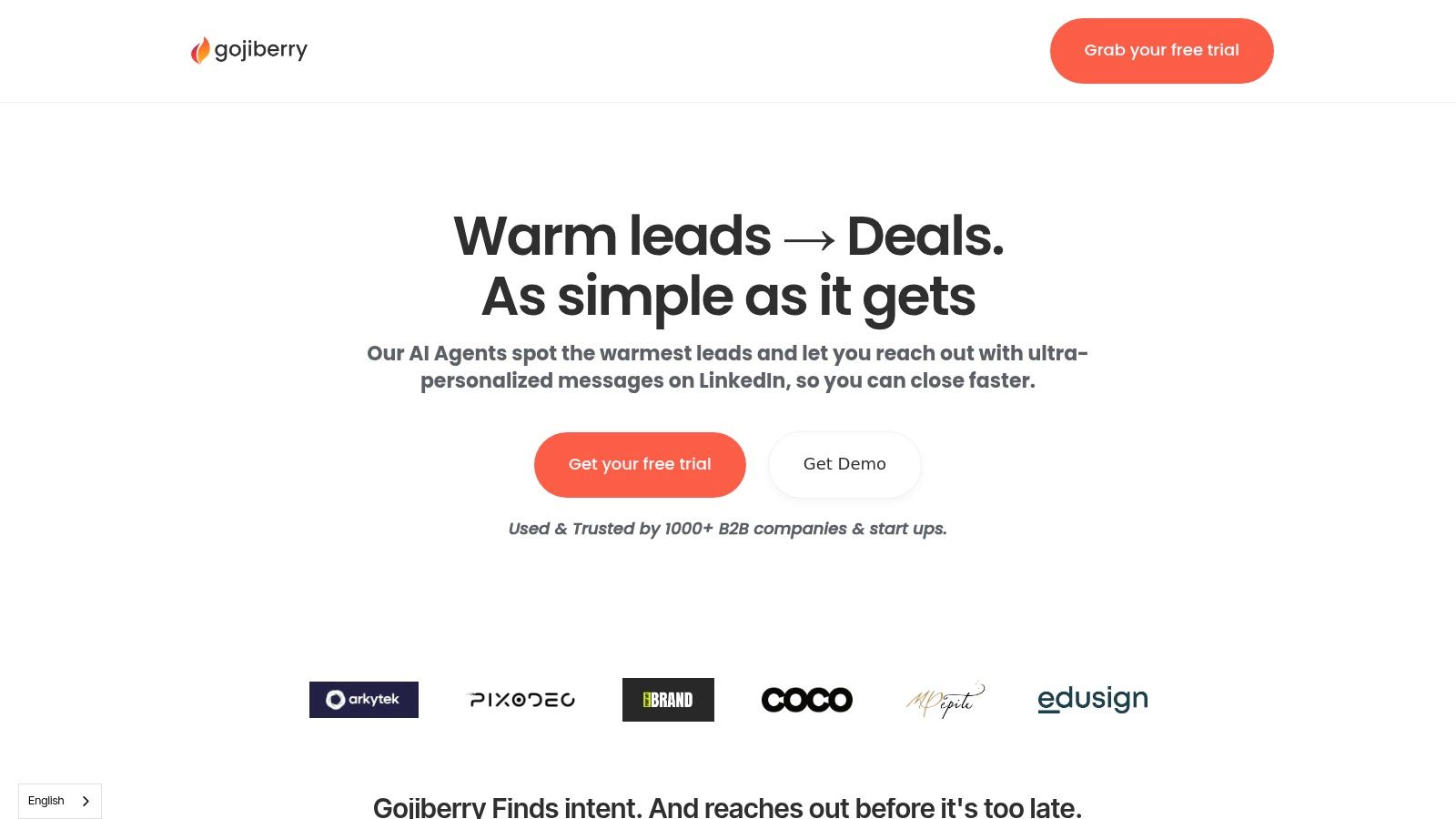
Unlike many platforms that simply provide raw data, GojiberryAI is a true AI Agent that automates the entire top-of-funnel process. It filters for your ideal customer profile (ICP), adds verified data to contacts, and creates personalized outreach messages based on detected intent signals.
It’s a total game-changer. I recall a time when my team spent over 10 hours a week manually enriching lists from Sales Navigator. What a nightmare! With GojiberryAI, that process is entirely automatic, freeing up time to actually sell.
Key Differentiators & Use Cases
What truly sets GojiberryAI apart is its AI agent capability. You define your ICP, and the platform handles the rest—from signal detection across LinkedIn and Sales Nav to enrichment and outreach prep. It's a "set it and forget it" solution for lead generation.
- Best For: B2B companies, startups, and sales teams that rely heavily on LinkedIn and Sales Navigator for prospecting and want to automate the most time-consuming parts of the process.
- Top Use Case: A software company can set GojiberryAI to monitor when key personnel at target accounts interact with a competitor's content. The AI then automatically enriches that contact's profile and drafts a personalized message referencing their recent activity. This allows the sales rep to engage with a highly relevant and timely touchpoint.
- Actionable Advice:
- DO: Spend quality time upfront dialing in your ICP. Be hyper-specific. The more precise you are with the AI, the more qualified your leads will be. Connect it to your CRM and outreach tools for a seamless flow.
- NEVER: Set it up with a vague ICP, such as "tech companies." You'll get noisy, irrelevant results. Be specific: "Series A SaaS companies in North America with 50-200 employees who recently hired a 'Head of Growth'."
Why It's a Top Choice: GojiberryAI's focus on live, niche intent signals from LinkedIn offers a level of precision that generic data providers can't match. It transforms prospecting from a manual chore into an automated, strategic advantage, enabling teams to book meetings within their first week.
For those looking to dive deeper into how different data sources compare, GojiberryAI offers a detailed analysis. You can learn more about the nuances of various intent data providers and how to choose the right one for your strategy.
Website: https://gojiberry.ai
2. Sprout Social
Sprout Social is a powerhouse in the social media management world. While it's not a direct one-to-one Trigify replacement, it serves as a robust alternative for teams wanting to integrate social selling signals into a broader SMM strategy.
Instead of just focusing on trigger events, Sprout enables you to monitor keywords, profiles, and locations to identify sales opportunities emerging from conversations.
Imagine a potential client in your target city tweeting, "Does anyone know a good CRM for a small sales team?" With Sprout's listening tools, your team gets an alert and can jump in immediately.

This platform excels at providing a structured, team-based workflow. It's not just about finding the lead; it's about managing the entire engagement process from a unified inbox, scheduling follow-ups, and analyzing what works.
This makes it a fantastic tool for B2B social selling when strong governance and reporting are needed. That said, its per-seat pricing can add up quickly. The platform's maturity and comprehensive feature set justify the cost for teams that need an all-in-one solution.
The transparent pricing and generous 30-day free trial allow you to dive deep before committing.
Website: https://sproutsocial.com
3. Hootsuite
Hootsuite is an experienced player in social media management. It is a good alternative to Trigify for teams that require basic social listening abilities. Its "Streams" feature is a powerful tool for monitoring keywords, hashtags, and mentions in real-time.
You can set up a stream to track conversations around a competitor's product outage or a key industry conference hashtag. This enables your sales team to identify pain points and buying intent as they occur, providing you with a window to engage with relevant, timely outreach. It’s a great entry point into social selling.
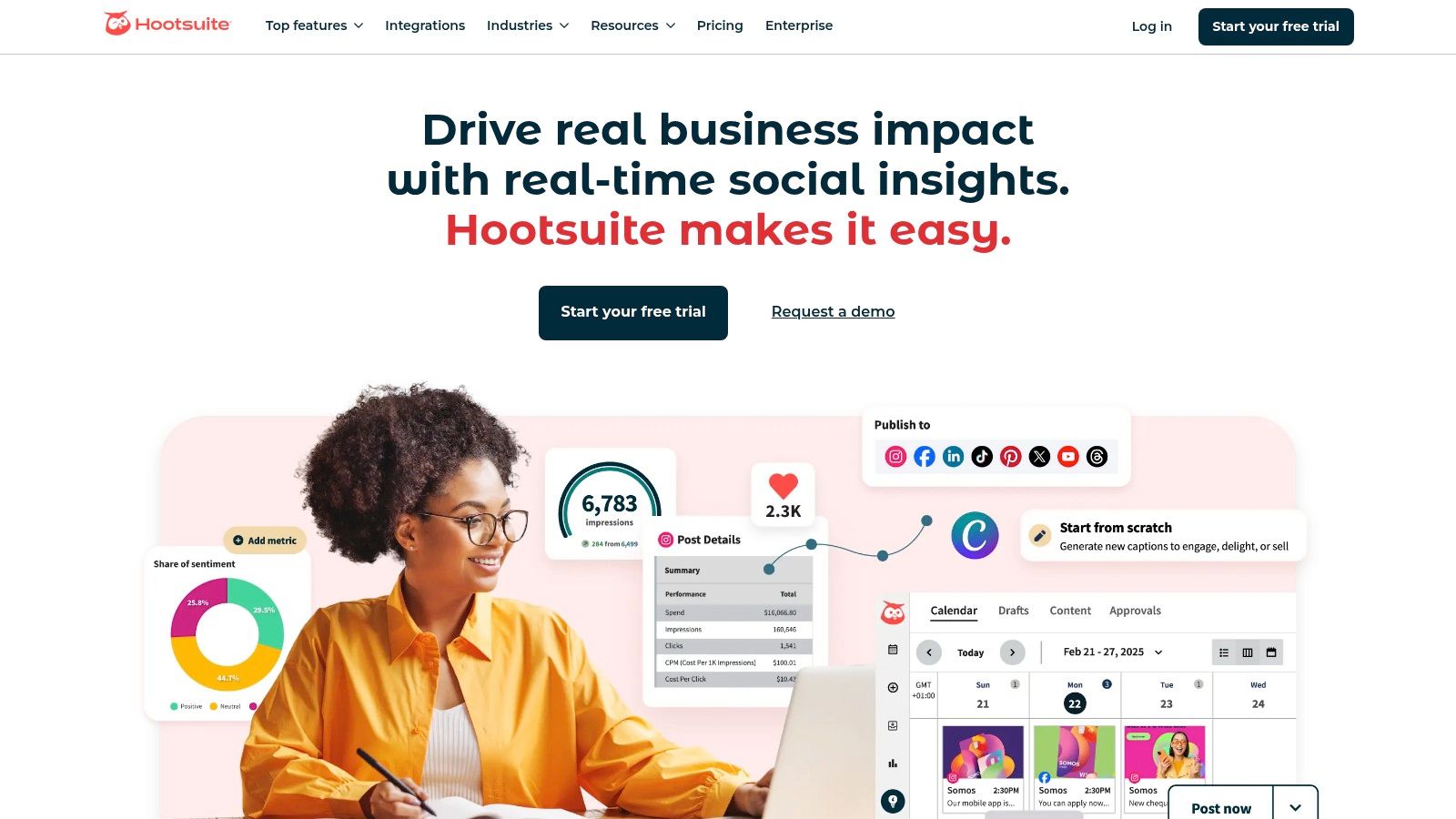
Hootsuite is recognized for its user-friendly dashboard and extensive educational resources, making it accessible to teams new to social monitoring.
What makes it a practical choice is its function as an all-in-one hub. You can find a potential lead in one stream, assign it to a team member, and manage the conversation without ever leaving the platform.
While the listening depth and data lookback are limited on lower-tier plans, Hootsuite offers flexible monthly options and a 30-day free trial, allowing you to test its capabilities thoroughly before making a long-term commitment.
Website: https://www.hootsuite.com
4. Brandwatch Consumer Research
Brandwatch is a leader in consumer intelligence, offering a comprehensive platform that goes beyond basic social listening. For those seeking a Trigify alternative that offers in-depth, strategic market insights beyond sales triggers, Brandwatch is unparalleled.
It grants access to a colossal historical data archive of over 1.4 trillion posts, allowing you not just to see what people are saying now, but to track trends and shifts in conversation over time.
Analyze every mention of your competitor's main feature from the past five years to identify their customers' main frustrations. That's the power Brandwatch delivers.

This platform’s strength lies in its sophisticated AI, "Iris," which automatically detects anomalies and trends you might otherwise miss. This makes it a fantastic tool for large organizations that need to perform in-depth competitive benchmarking or comprehensive market research.
Its powerful analytics and enterprise-level support are top-tier; the platform can be overkill for smaller teams focused solely on lead generation. Pricing is not public; it requires a sales demo and a custom contract, reflecting its focus on large-scale deployments.
If you need to understand the entire market landscape, Brandwatch is a strategic investment.
Website: https://www.brandwatch.com
5. Talkwalker
Talkwalker is an enterprise-grade alternative to Trigify for teams that need to tap into a massive ocean of public data. It uses an AI technology, called 'Blue Silk', to analyze conversations across social media, news sites, blogs, and forums.
For sales teams, this means you can identify purchase intent signals on a global scale. Let's say a prospect in a niche industry forum is asking about solutions your company provides. Talkwalker’s listening alerts can flag that conversation in real-time, providing a warm entry point that you’d otherwise miss.

It’s not just about finding leads; it's about understanding market trends, brand sentiment, and your competitors' share of voice to inform a smarter sales strategy.
Its advanced setup and quote-based pricing are geared more towards established organizations with dedicated analysts. For B2B companies that need to monitor brand health and identify strategic opportunities from unstructured data, Talkwalker offers a level of sophistication that few other tools can match.
Website: https://www.talkwalker.com
6. Meltwater
Meltwater is a strong competitor in media intelligence. It is a Trigify alternative for organizations looking to expand their reach. It's not just a sales trigger tool; it's a comprehensive suite that monitors everything from news and social media to broadcast channels and podcasts.
Think of it as your ear to the ground on a global scale. This means you can spot buying signals not just from a tweet, but from a company being mentioned in a major news outlet, a new executive hire announced in a trade journal, or shifts in consumer sentiment discussed on a podcast.

It's a fantastic solution for large sales and marketing teams that require deep insights and robust governance. However, this power comes at a price. Meltwater doesn't offer public pricing and typically requires annual contracts, making it a significant investment best suited for larger organizations, not small startups.
Website: https://www.meltwater.com
7. Mention
Mention has long been a key player in the brand monitoring space, but its power as a Trigify alternative truly shines when you leverage it for sales intelligence.
By setting up advanced Boolean search queries for buying intent keywords, competitor mentions, or specific problems your product solves, you can uncover sales triggers across social media, news sites, blogs, forums, and even review platforms.
Ever wonder when a competitor's client is unhappy? Mention can alert you the moment they leave a scathing review, giving your sales team a perfectly timed opportunity to reach out.

The platform is designed for team collaboration, allowing you to assign alerts to specific reps and track engagement from a central hub. What makes it stand out is its expansive reach; monitoring over one billion sources daily gives you a broad net to catch potential leads.
The pricing plan is designed for serious teams, with a starting price of $599/month (billed annually). This reflects its comprehensive coverage and robust reporting capabilities.
It's a significant investment compared to some SMB tools. For teams that need to monitor the entire web for sales signals, not just a few social platforms, the depth of data is invaluable.
Website: https://mention.com
8. Brand24
Brand24 is an easy-to-use and effective social listening tool. It is a great Trigify alternative for SMBs and startups that need quick action. It focuses on monitoring real-time mentions across social media, news sites, blogs, and even forums like Reddit.
Assume a potential customer on Reddit asks, "Which marketing automation tool is best for a lean team?" Brand24 can catch that keyword phrase, alert your team via Slack, and let you provide a timely, value-driven answer. It's all about being in the right conversation at the right moment.

What makes Brand24 stand out is its simplicity and speed-to-value. The AI-powered sentiment analysis helps you instantly gauge the tone of a conversation, allowing your sales reps to prioritize positive or urgent mentions. The pricing is transparent and affordable, with many plans including unlimited users.
It provides a cost-effective method for social listening to identify buying signals and engage with prospects actively. However, it doesn't have the extensive governance features of more expensive options, and it limits keywords and mentions based on your plan.
Website: https://brand24.com
9. Awario
Awario positions itself as a cost-effective social listening tool, making it a strong alternative to Trigify for SMBs, startups, and agencies with tighter budgets. It’s all about casting a wide net across social media and the web to find those golden nuggets of sales intent.
Instead of just a few trigger types, Awario allows you to monitor an unlimited number of keywords per topic. You can track every competitor name, industry pain point, and "looking for" phrase relevant to your business in real-time.

What makes Awario stand out in the crowded listening space is its blend of affordability and powerful features, such as Boolean search. For agencies, the white-label reporting on the Enterprise plan is a game-changer, allowing you to deliver branded insights to clients.
It may lack the deep, enterprise-level governance of larger suites, but its focus on core monitoring is fantastic. The mention volume limits vary by plan, so you need to estimate your needs, but for the price, the value is hard to beat. It’s an excellent entry point into social selling without a massive upfront investment.
Website: https://awario.com
10. BuzzSumo
BuzzSumo is a well-known name in the content marketing sphere. Its powerful monitoring capabilities make it a strong alternative to Trigify, especially for teams whose sales signals are tied to content and PR.
BuzzSumo excels at tracking when a competitor is mentioned in the news, when a journalist is looking for sources on a topic you dominate, or when a piece of content in your niche suddenly goes viral.
This is perfect for identifying companies that are actively investing in their content or getting major media attention, signaling growth and budget.
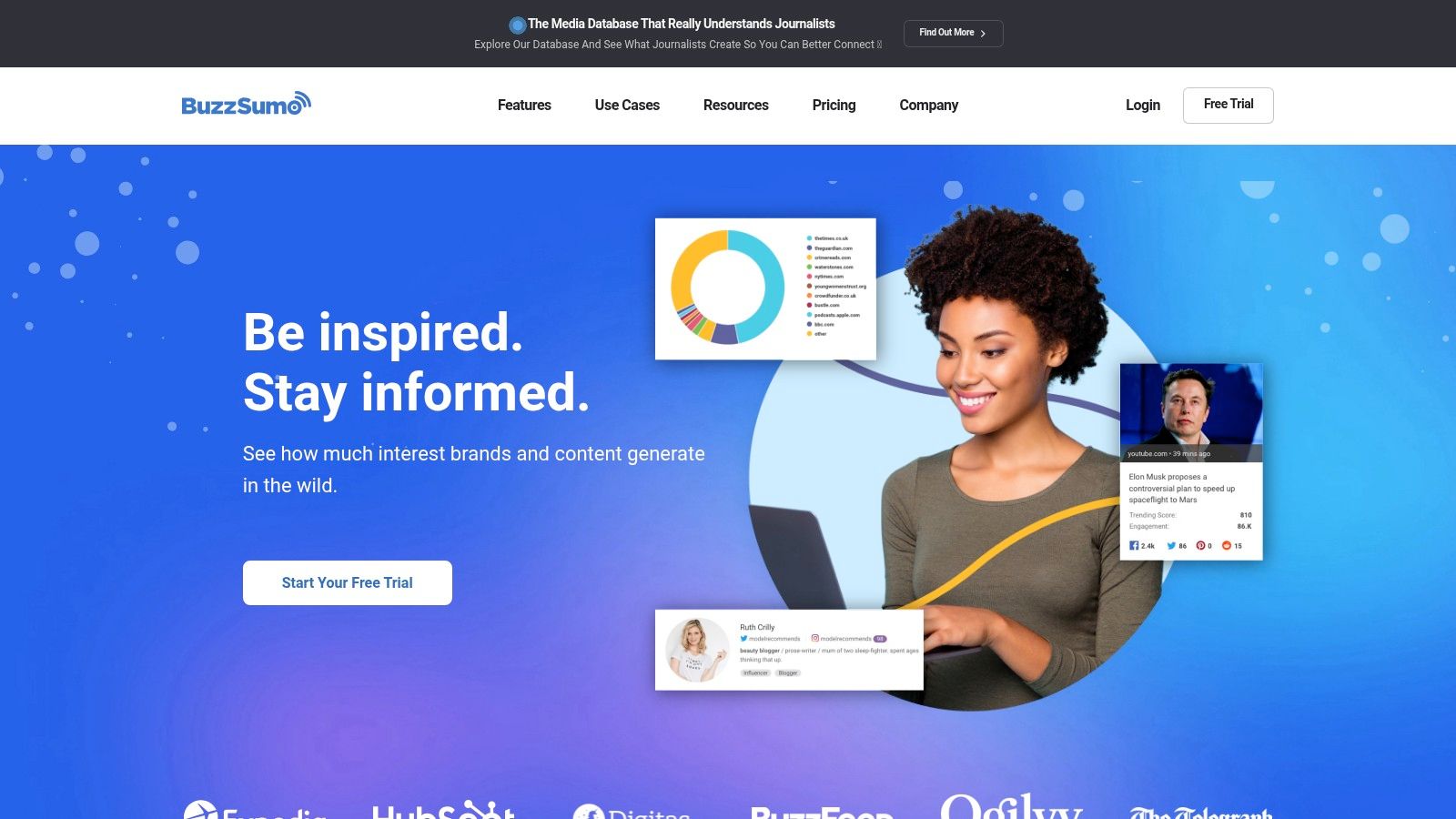
Think of it this way: a prospect's company gets featured in a major publication. That's a massive buying signal. With BuzzSumo's monitoring, you can be the first to reach out with a congratulatory message and a relevant pitch.
While it’s not a direct sales intelligence tool and lacks deep social listening features, it provides a unique angle focused on content, media, and journalist activity. Its strength lies in being a complementary tool for PR-driven sales plays.
Plans can get pricey, especially for the deep PR features and journalist databases. The platform offers a free plan and trials to let you test its content intelligence waters.
Website: https://buzzsumo.com
11. Sprinklr Insights
Sprinklr is a large-scale customer experience platform. Its Insights module acts as a robust but complex alternative to Trigify. It's designed for big companies that require extensive listening capabilities across more than 30 channels, not for casual users.
Instead of just social media, Sprinklr pulls in data from forums, blogs, news sites, and more. It uses its advanced AI to spot trends, competitive movements, and purchase intent signals. It acts as the central nervous system for your brand's entire digital presence, turning unstructured conversations into actionable sales intelligence.
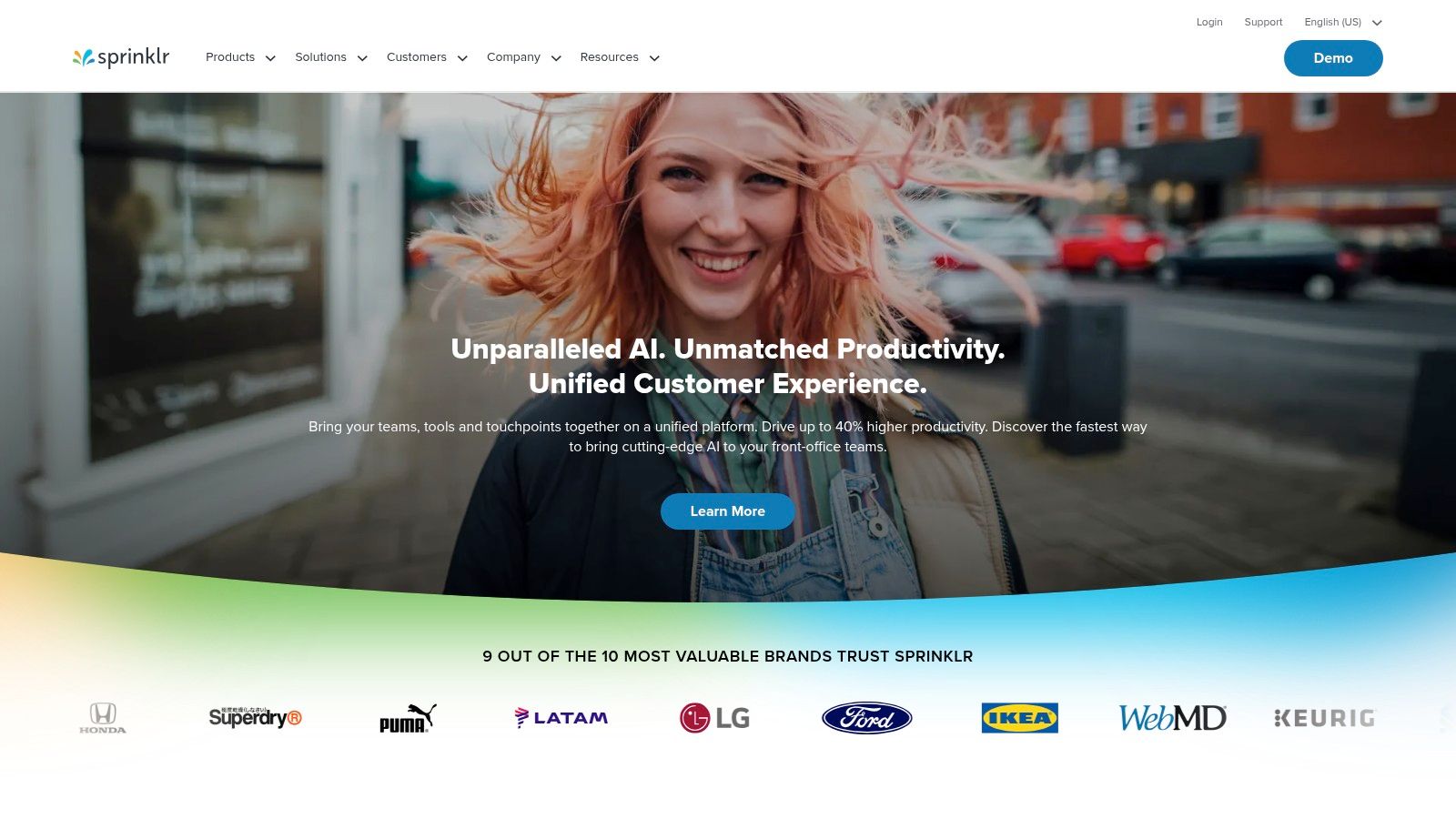
What sets Sprinklr apart is its emphasis on governance and compliance, making it a go-to solution for regulated industries and global teams.
Its enterprise editions require a custom quote, and the implementation process can be lengthy. For smaller teams, Sprinklr offers self-serve plans, but be aware that the per-seat pricing can escalate quickly as your team grows.
Website: https://www.sprinklr.com
12. LinkedIn Sales Navigator
When looking for Trigify alternatives, why not go straight to the source? LinkedIn Sales Navigator is the platform's official, fully compliant prospecting tool, making it an essential part of any modern B2B sales toolkit. It leverages LinkedIn's first-party information to provide high-quality buyer intent signals.
It's like having an insider's view: you can set up real-time alerts for job changes, company news, and even when a lead shares significant content. This enables your team to craft timely, highly relevant outreach based on actual user activity.
Sales Navigator excels with its powerful search filters, allowing you to build and save precise lists of leads and accounts. Higher-tier plans unlock CRM integrations and powerful features like TeamLink, which reveals how your team is connected to a prospect.
While its focus is solely on the LinkedIn ecosystem and the per-seat cost can be steep, the data quality is unmatched, and it eliminates the risk of account suspension that comes with third-party scraping tools.
It's the gold standard for a reason. For tips on leveraging its full potential, check out this guide to building a LinkedIn lead generation strategy.
Website: https://www.linkedin.com/sales
Top 12 Trigify Alternatives Feature Comparison
| Product | Core Features/Characteristics | User Experience & Quality ★ | Value Proposition 💰 | Target Audience 👥 | Unique Selling Points ✨ |
|---|---|---|---|---|---|
| GojiberryAI 🏆 | Real-time LinkedIn intent signals + AI Agent Automation | ★★★★★ High reply rates, saves 10+ hrs/week | Competitive pricing, no scraping guesswork | Founders, sales teams, B2B companies | Sniper-precision intent leads, verified contacts, CRM integrations |
| Sprout Social | Social media management, keyword/location monitoring | ★★★★ User-friendly, strong reporting | Per-seat pricing, 30-day free trial | Sales, marketing, customer care teams | Clear pricing, scalable from SMB to enterprise |
| Hootsuite | Social media publishing + basic listening | ★★★★ Familiar UI, good for basics | Flexible plans with trial | SMBs to large teams | AI caption suggestions, best posting times |
| Brandwatch Consumer Research | Deep social data archive, AI-driven insights | ★★★★★ Enterprise-grade analytics | Quote-based pricing, demo required | Large organizations, enterprises | Access to 1.4T+ posts, AI anomaly detection |
| Talkwalker | AI-driven social listening, benchmarking | ★★★★ Strong reporting & integrations | Quote-based, scalable packages | Brands, agencies, enterprise | Custom dashboards, Blue Silk AI tech |
| Meltwater | Multi-channel media monitoring + PR workflows | ★★★★ Robust onboarding, enterprise focused | Annual contracts, premium pricing | Communications teams, enterprises | Integrated PR & social toolset |
| Mention (Company plan) | Real-time social + web monitoring | ★★★★ Good multi-source coverage | $499/mo (annual), mid-market focus | Mid-market, enterprise customers | Tracks 75+ review sites, Boolean search |
| Brand24 | Affordable social listening with AI sentiment analysis | ★★★★ SMB-friendly, fast deployment | Transparent USD pricing | Startups, SMBs, agencies | Unlimited users on many plans, Slack/MS Teams integrations |
| Awario | Social & web monitoring, white-label reports | ★★★★ Cost-effective, flexible | Affordable entry price | SMBs, agencies, nonprofits | Unlimited keywords, white-label options |
| BuzzSumo | Content & influencer monitoring | ★★★★ Strong PR/content support | Tiered plans, trial available | PR and content teams | Journalist/influencer databases |
| Sprinklr Insights | Enterprise CXM, multi-channel, AI-powered | ★★★★★ Deep insights & governance | Quote-based, costly for large teams | Large enterprises | 30+ channels, enterprise-grade SLAs |
| LinkedIn Sales Navigator | LinkedIn-focused lead search & alerts | ★★★★ First-party intent signals | Per-seat pricing | LinkedIn sales/outreach teams | Official LinkedIn data, Smart Links, TeamLink |
Thinking About Leaving Trigify? Here’s Why GojiberryAI Might Be Your Next Move
Many B2B sales teams start with Trigify to track buying signals, but as you scale, you may hit limitations. Trigify is solid for detecting initial interest, but if your team wants smarter workflows, deeper personalization, and actionable analytics, it might be time for an upgrade.
Enter GojiberryAI – an AI-powered prospecting solution designed to move beyond basic signals and automate your outreach at scale.
How to Switch from Trigify to GojiberryAI
A phased migration ensures zero downtime:
- Export Prospect Lists from Trigify (CSV).
- Recreate Top Campaigns in GojiberryAI.
- Run a Pilot Campaign with 10–20 prospects.
- Compare Metrics over 7–14 days.
- Validate Results before canceling Trigify.
✅ Checklist: CSV exported, top sequences rebuilt, pilot launched, metrics monitored, migration completed, Trigify canceled.
Why GojiberryAI is a Game-Changer
Unlike basic signal tools, GojiberryAI acts as an AI sales agent:
- -Filters prospects according to your ICP.
- -Enriches contact info automatically.
- -Drafts personalized outreach based on real-time LinkedIn activity.
- -Turns tedious prospecting into a fully automated, strategic advantage.
Teams can book meetings within the first week, freeing time to focus on closing deals instead of list-building.
Making Your Next Big Move
We've journeyed through a landscape of powerful tools, each offering a unique way to turn social signals into sales opportunities. The world of sales intelligence has moved far beyond cold calling. The data you need to find your next best customer is already out there; you just need the right shovel to dig for it.
But let's be real, navigating these options can feel like picking a new car. Do you need the off-road capabilities of a complex enterprise suite, or the sleek, efficient performance of a specialized tool?
I've seen teams make the mistake of buying the most expensive, feature-packed platform, only to use 10% of its capabilities. That's like buying a Ferrari to go grocery shopping. It’s overkill, and you're leaving a ton of value (and money) on the table.
Your Action Plan: Choosing the Right Trigify Alternative
So, how do you make the right choice without getting bogged down in the details? It’s not about finding the "best" tool; it's about finding the best tool for you. Let’s break it down into a simple, actionable process.
- Define Your Primary Goal: Are you trying to find net-new leads based on buying intent signals (like hiring for a specific role)? Or are you more focused on brand monitoring and engaging with existing mentions? Your primary use case will immediately eliminate half the options on this list.
- Assess Your Team's Bandwidth: Do you have a dedicated analyst to sift through data, or do you need a tool that hands you ready-to-contact leads on a silver platter? This is a crucial distinction. Tools like Sprinklr are powerful but require significant user input, whereas an AI agent like GojiberryAI is designed for automation, handling the heavy lifting for you.
- Run a Pilot Program: NEVER commit to a year-long contract without a trial. Pick your top two contenders and run a real-world test for two weeks. Give each tool the same objective. For example, "Find 10 companies in the SaaS space that just announced a Series B funding round." See which one delivers cleaner, more actionable results faster. This simple test will reveal more information than any demo call could ever provide.
Ultimately, the goal is to shift your team's energy from tedious prospecting to meaningful selling.
The right Trigify alternative should feel less like another piece of software to manage and more like a new, highly efficient member of your sales team. It should empower you, automate the grunt work, and directly contribute to your pipeline, giving you the freedom to focus on making sales.
Stop searching for needles in a haystack and start using a powerful magnet.
Frequently Asked Questions
What's the biggest difference between an AI Agent like GojiberryAI and a social listening tool?
Great question! A social listening tool (like Brand24 or Mention) is like a giant microphone that picks up public conversations based on keywords. It's fantastic for brand monitoring and catching broad intent signals.
An AI Agent like GojiberryAI is more like a specialized detective. It doesn't just listen; it actively filters prospects against your specific ICP, uses deep LinkedIn signals (which are often not public), enriches their contact data automatically, and preps the outreach. It's a proactive, end-to-end lead generation system, not just a monitoring tool.
Is LinkedIn Sales Navigator enough on its own?
Sales Navigator is an essential tool, but it's just one piece of the puzzle. It's brilliant for finding people and tracking company-level signals. However, it doesn't automatically enrich contacts with verified emails or phone numbers, nor does it automate the process of filtering, prioritizing, and preparing outreach for those leads.
A tool like GojiberryAI works on top of Sales Navigator to automate all those manual steps, turning Sales Nav's raw data into a pipeline of ready-to-engage leads.
Ready to stop digging and let an AI do the work for you? If you’re looking for a tool that automates ICP filtering, enriches contacts, and uses advanced LinkedIn signals to deliver qualified leads directly to you, then GojiberryAI is your next step. See how an AI sales agent can transform your pipeline by visiting GojiberryAI. 🚀

More High-Intent Leads = Your New Growth Engine.
Start Now and Get New High Intent Leads Delivered Straight to Slack or Your Inbox.