
N8N AI Agent: Your Complete Configuration Guide

Let's be real: manual B2B prospecting is a grind. You've probably heard that building an n8n AI agent can automate the whole process, but the moment you look under the hood, it feels… complicated. N8N is powerful, but for anyone who isn't a developer, it can feel like hitting a brick wall.
This guide is here to tear down that wall. We're going to build a functional n8n automation agent for prospecting, step-by-step, with real use cases. By the end, you'll have a crystal-clear picture of what it takes and know whether N8N is the right tool for you—or if a simpler path will get you to your goals faster. Ready to dive in? 🚀
What Is N8N, Exactly?
Before we get our hands dirty, what are we even talking about? Simply put, n8n is an open-source automation platform that allows you to connect different apps and build complex workflows. Think of it like a set of digital LEGOs for developers; if you can imagine a process, you can probably build it with N8N. 🛠️
Because it's open-source, it has some huge draws for technical users.
The Advantages Users Love:
- Open-Source (Free): The core platform is free if you're willing to host it yourself. A huge win for bootstrapped teams.
- Self-Hosted (Full Control): You run it on your own servers, giving you complete control over your data and privacy.
- Highly Flexible: The workflow builder is a blank canvas, offering near-limitless customization for unique processes.
- Unlimited Integrations: It's designed to talk to almost any API, making it a powerful central hub for your tech stack.
The Disadvantages Beginners Face:
- Complex to Set Up: Getting started usually involves Docker, server configuration, and command-line work. It’s not plug-and-play.
- Steep Learning Curve: Building a robust n8n AI agent requires understanding nodes, expressions, and data mapping. It takes time to master.
- Requires Maintenance: You are responsible for updates, security, and fixing things when they break.
- No French-Language Support: The platform and its primary support channels operate in English, which can be a barrier.
The Verdict? N8N is an incredible tool for developers who need deep customization and control. For beginners or sales teams just wanting to automate prospecting, its complexity can be a major roadblock.
How to Build an AI Agent with N8N
Ready to see what it actually takes? Let's walk through the five core steps to build a functional n8n ChatGPT agent for prospecting. This will give you a real feel for the time and skills involved.
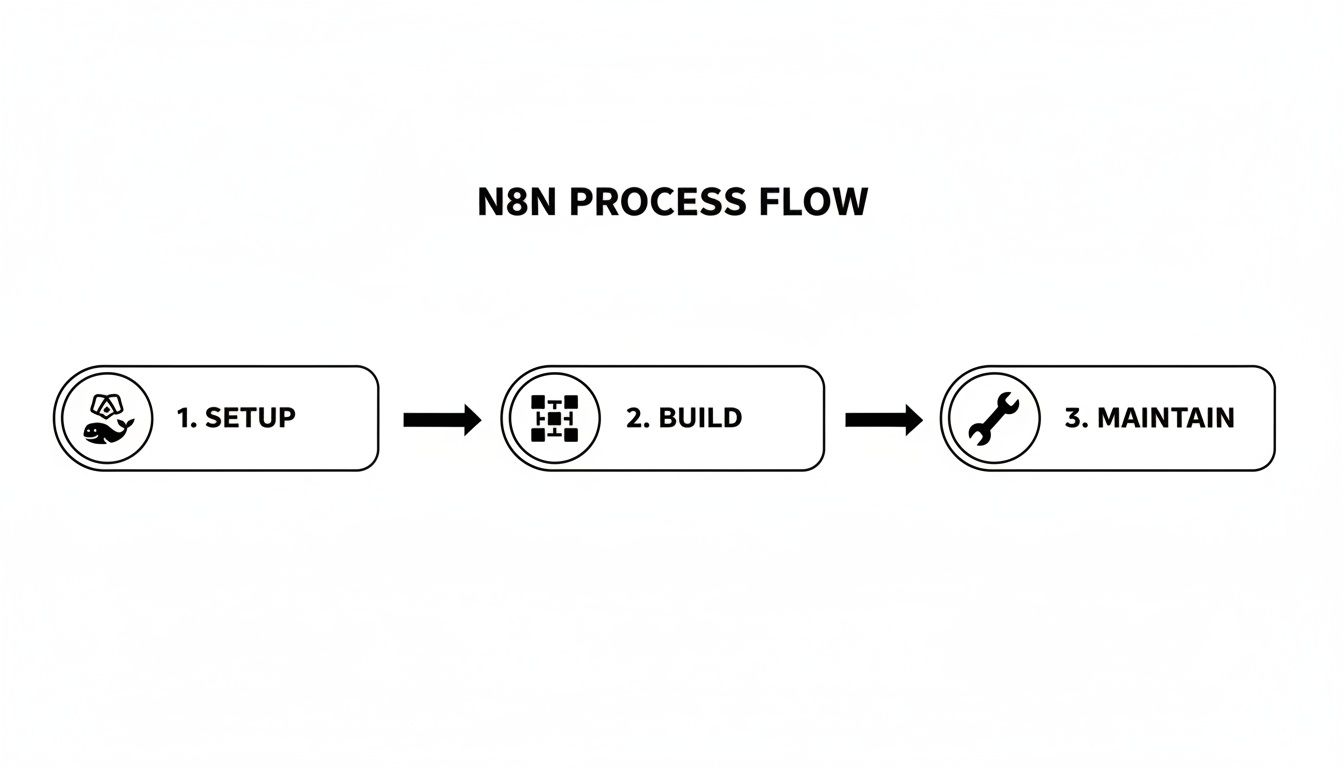
Step 1: Installation (The First Hurdle)
Before you can build, you need to set up your N8N instance. Most technical users recommend Docker for this.
- Action: Install N8N on your server using Docker.
- Why: Docker packages N8N neatly, preventing software conflicts and making deployment smoother.
- Next: Configure the database and start the server. This step involves command-line work and a basic understanding of server management.
- Time Required: About 30 minutes for an experienced user.
Step 2: Create a Workflow (The Blank Canvas)
Now the fun begins. In N8N, you start with a blank canvas to design your automation logic.
- Action: Create a new workflow in your N8N dashboard.
- Next: Add a Trigger Node. This is what kicks off your automation. Will it be a new entry in a Google Sheet? A scheduled daily run? You decide.
- Then: Add Action Nodes. These are the individual steps your agent will take, like "get data from a URL" or "filter results."
- Time Required: 1–2 hours to map out and build a basic structure.
Step 3: Integrate ChatGPT (The Brain)
To make your agent intelligent, you need to connect it to an AI model like OpenAI's GPT.
- Action: Add the ChatGPT node or a generic HTTP Request node to your workflow.
- Next: Configure it with your OpenAI API key, which you'll need to store securely in N8N's credentials manager.
- Then: Write your prompts. This is crucial. A good prompt for an n8n ai prospecting agent tells the AI exactly how to analyze a lead and what data to return (e.g., a score from 1-10 and a reason).
- Time Required: At least 1 hour of prompt engineering and testing.
Step 4: Add Integrations (The Arms and Legs)
Your agent needs to interact with other tools to be useful. This means connecting to your sales and marketing stack via APIs.
- Action: Add nodes to connect to other services.
- LinkedIn: Often requires complex, unofficial methods since the official API is restrictive.
- Email: Connect via SMTP to send automated outreach.
- CRM (e.g., HubSpot): Add nodes to create new contacts or update deals.
Step 5: Test and Launch (The Final Check)
You're almost there! Before letting your agent run wild, you need to test it thoroughly.
- Action: Run the workflow with sample data to ensure each step works as expected.
- Next: Validate the results. Is the AI scoring leads correctly? Are contacts being created in your CRM?
- Then: Deploy to production and monitor its performance.
- Time Required: 1 hour or more, depending on complexity.
And there you have it. Building a proper n8n AI agent is a significant technical project, not a simple task.
Case Study: An AI Prospecting Agent Built with N8N
So what does this look like in the real world? Let’s look at a common scenario.
The Situation:Imagine a developer at a small tech startup. They're technically skilled, have a budget of exactly €0 for new software, and need to build an automated prospecting agent to feed their sales pipeline.
The Steps:Using their know-how, they decided to build a DIY solution with N8N. Here’s how their time broke down:
- Installation & Setup: 30 minutes
- Workflow Creation: 2 hours
- Integrations (LinkedIn, Email, CRM): 3 hours
- Testing & Debugging: 1 hour
- Total Time: 6.5 hours of focused, technical work.
The Results:After a solid day of work, they had a functional AI agent that automatically found and qualified leads.
- Leads Generated: 50 qualified leads per month.
- Cost: €0 in software fees (plus server hosting).
- ROI: Infinite.
The Lesson:This case study perfectly illustrates the N8N promise: if you have the skills and time, you can build powerful automation for free. But the key takeaway is that N8N = free but complex. That 6.5-hour investment is something most non-technical teams simply can't afford to make.
N8N vs Gojiberry: Which is Right for You?
Okay, so you’ve seen the power and the complexity of building an n8n AI agent. But is it the only way? Of course not. For teams who want the results without the technical headache, there are simpler alternatives.
This brings us to a crucial comparison: n8n vs. Gojiberry. One is a developer's toolkit; the other is a growth team's revenue engine. Based on user feedback and case studies, here’s how they stack up.
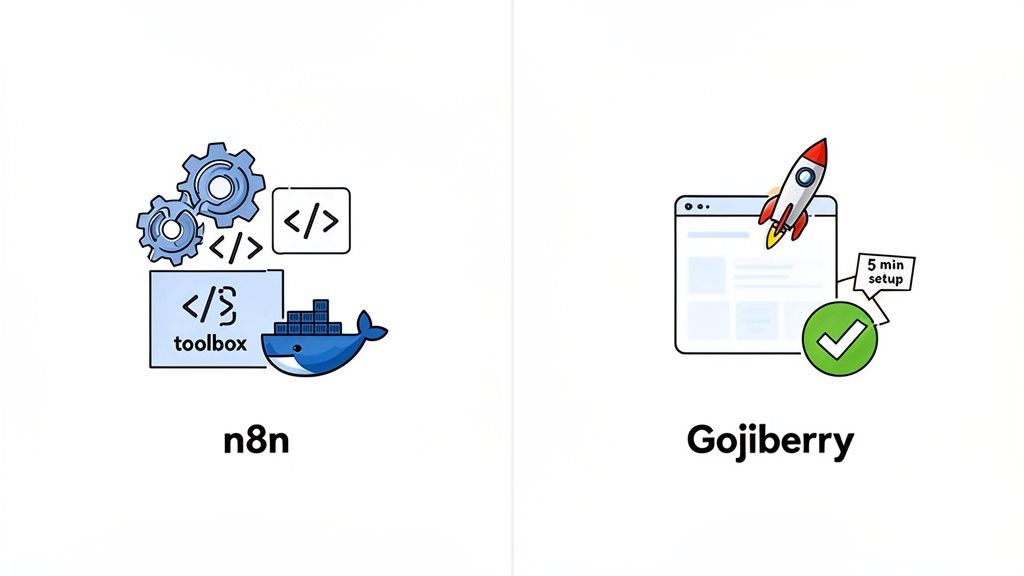
Marketers and sales leaders often report that while N8N is powerful, the time-to-value is simply too long. Gojiberry, on the other hand, is frequently praised for getting teams results within the first week.
The conclusion? Gojiberry offers the best value for money for any team whose primary goal is generating revenue, not managing software.
When Should You Choose N8N?
So, is there ever a time to choose n8n? Absolutely. It all comes down to your resources, skills, and goals.
✅ Choose N8N if...
- You are a developer or have easy access to one.
- You have the time to invest in setup, learning, and maintenance.
- You are on a strict €0 software budget.
- You need to build extremely complex, non-standard workflows that other tools can't handle.
❌ Do NOT choose N8N if...
- You are a beginner or have a non-technical team.
- You have limited time and need results fast.
- You want dedicated, expert support when things go wrong.
- You value simplicity and ease of use over limitless customization.
The verdict? For the vast majority of sales and growth teams, Gojiberry is the best choice in 90% of use cases. It prioritizes what matters most: generating pipeline.
Stop Building, Start Growing
Let’s be honest: N8N is complex. While it’s a great tool for technical projects, it wasn't built for the fast-paced needs of a B2B growth team. Why spend hours wrestling with servers and APIs when you could be talking to qualified leads?
Gojiberry was designed to give you the power of an AI prospecting agent without the technical overhead. It's easier, faster, and comes with expert support to ensure you succeed.
Ready to see the difference?
👉 Try Gojiberry for free and get your AI agent running this week.
So, what have we learned? Building an n8n AI agent is an achievable but highly technical task. It’s a powerful option for those with the right skills, but it's a detour for everyone else. For most teams, a simpler, results-focused alternative like Gojiberry is the smarter, faster path to growth. Don't just automate tasks—start generating revenue. Why not give Gojiberry a try this week?
FAQ
Here are a few more insights based on common questions we hear from teams evaluating their options.
Is N8N really "free"?
The software itself is free, but the total cost of ownership isn't zero. You have to factor in server hosting costs on platforms like AWS or DigitalOcean. More importantly, the biggest cost is the developer time required for setup, building workflows, and ongoing maintenance. For many businesses, these "hidden" costs make a dedicated platform a more economical choice in the long run.
How difficult is connecting N8N to LinkedIn for prospecting?
Users consistently report this as a major challenge. The official LinkedIn API is highly restrictive and not designed for automated outreach. This forces developers to use unofficial methods or browser automation tools like Puppeteer. These solutions are notoriously brittle—they can break with any minor update to LinkedIn's website and put your account at risk of suspension. It’s a constant, high-maintenance battle.
Can an N8N agent handle errors automatically?
Yes, N8N has error-handling capabilities, but you have to build the logic yourself. You can create paths in your workflow to catch failures, send a Slack notification, or retry a step. However, designing a robust system that can handle various types of errors (like a temporary API outage vs. bad data) is a complex task that adds another layer of development and testing. It's not a simple "on/off" feature.

More High-Intent Leads = Your New Growth Engine.
Start Now and Get New High Intent Leads DeliveredStraight to Slack or Your Inbox.