
The 25 Best LinkedIn Automation Tools to Scale Your Outreach in 2026

Let's be real: manual prospecting on LinkedIn is a grind. 😩 You know your ideal customers are on the platform, but finding them, engaging them, and starting conversations before your competitors do feels like a full-time job. What if you could put the most repetitive parts of that outreach on autopilot, so you can focus on high-intent conversations that actually close deals?
That’s the promise of LinkedIn automation tools.
Quick quiz: find your best option
But hold on, isn't that risky? It can be, if you just "set it and forget it" with spammy, impersonal tactics. The game has changed. Modern tools aren't about blasting thousands of generic connection requests; they're about precision, hyper-personalization, and safety. They help you scale human-like interactions, not replace them.
We've analyzed over 25 of the top platforms to see how they stack up in 2025. In this guide, we'll break down the best tools across three key categories:
- Outreach Tools: For building and running automated messaging sequences.
- Prospecting & Lead Generation Tools: For finding and enriching lead lists.
- Engagement & Content Tools: For amplifying your presence and authority.
Ready to find the perfect copilot for your growth goals? Let’s dive in.
How LinkedIn Automation Tools Work
So, how does this all work behind the scenes? At its core, a LinkedIn automation software simulates human actions on the platform. Instead of you manually clicking "Connect," "View Profile," or "Message," the tool does it for you based on a pre-defined workflow.
This is usually done in one of two ways:
- Browser-based tools (like extensions) automate actions directly in your web browser.
- Cloud-based tools run these actions from a remote server with a dedicated IP address, which is generally considered safer and allows campaigns to run 24/7.
The most common automatable actions include:
- Viewing profiles
- Sending connection requests (with personalized notes)
- Following profiles
- Sending follow-up messages after a connection is accepted
- Endorsing skills
- Engaging with posts
Modern tools are designed to mimic human behavior by adding randomized delays between actions, setting daily limits, and automatically stopping sequences when a prospect replies. This intelligence is what separates safe, effective automation from risky, spammy behavior.
LinkedIn’s Stance on Automation: What You Need to Know
This is the big question, right? Can you get banned for using LinkedIn automation tools? The short answer is yes, if you abuse them.
LinkedIn's official User Agreement prohibits the use of software that scrapes data or automates activity on the platform. Their goal is to protect the user experience from spam and inauthentic behavior.
However, the reality is more nuanced. LinkedIn's detection algorithms primarily target aggressive, spam-like behavior:
- Sending hundreds of connection requests in a short period.
- Using poorly coded or outdated tools that don't mimic human behavior.
- Running automation from data center IP addresses that are easily flagged.
How to stay safe:
- Use reputable, up-to-date tools (especially cloud-based ones).
- Keep daily connection requests low (under 20-30 per day is a safe starting point).
- Personalize your outreach to achieve high acceptance rates.
- Warm up new accounts by gradually increasing activity.
When used responsibly, high-quality automation tools fly under the radar because their activity is indistinguishable from that of a real, active user.
LinkedIn Outreach Tools
These tools are the workhorses of LinkedIn automation. They handle the core tasks of building prospect lists and executing multi-step outreach campaigns. If your primary goal is to start more sales conversations, this is where you should focus your attention.
Gojiberry
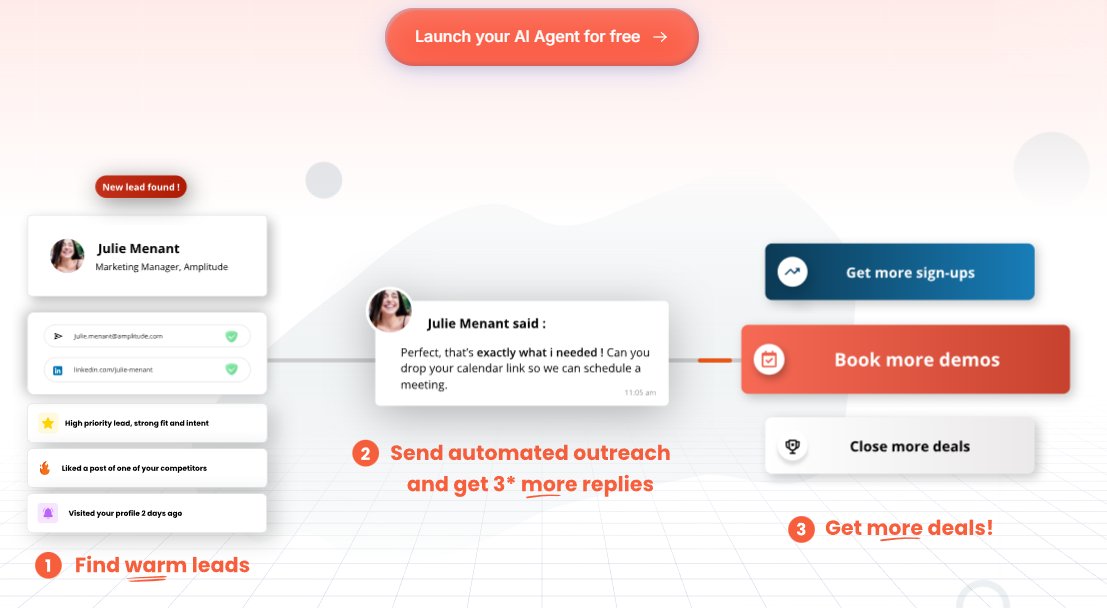
Gojiberry is a LinkedIn automation and AI-driven outreach platform designed to streamline prospecting and engagement workflows. It emphasizes a balance between automation scale and advanced personalization, enabling teams to run multi-step outreach campaigns while maintaining strong deliverability and account safety.
Key Features:
AI-powered message personalization, multi-step outreach campaign builder, smart inbox for conversation management, lead segmentation and tagging, performance analytics, and workflows tailored for SDRs and growth teams.
Pricing :
- Starter Plan: Starts at $99/month — ideal for solo founders and small teams getting started with LinkedIn outreach automation.
- Elite Plan: Starts at $249/month — built for teams and agencies requiring higher limits, advanced features, and deeper reporting.
Best for:
B2B founders, SDR teams, growth marketers, and agencies seeking a scalable LinkedIn outreach solution that prioritizes personalization and conversion quality.
👉 Discover the platform and start automating your LinkedIn outreach with precision: https://gojiberry.ai/
HeyReach
HeyReach is a cloud-based platform designed specifically for agencies and teams managing multiple LinkedIn accounts at scale. Its core strength is safety and scalability, allowing users to run outreach campaigns across dozens or even hundreds of accounts from a single dashboard, with each account operating from a unique IP address to minimize risk.
- Key Features: Unlimited accounts, unified smart inbox, A/B/C testing, AI-powered message generation, and robust team management features.
- Pricing: Starts at $59/month for the "Scale" plan (3 accounts), up to $199/month for the "Agency" plan (20 accounts).
- Best for: Agencies, sales teams, and anyone needing to manage LinkedIn outreach across multiple accounts safely and efficiently.
Expandi
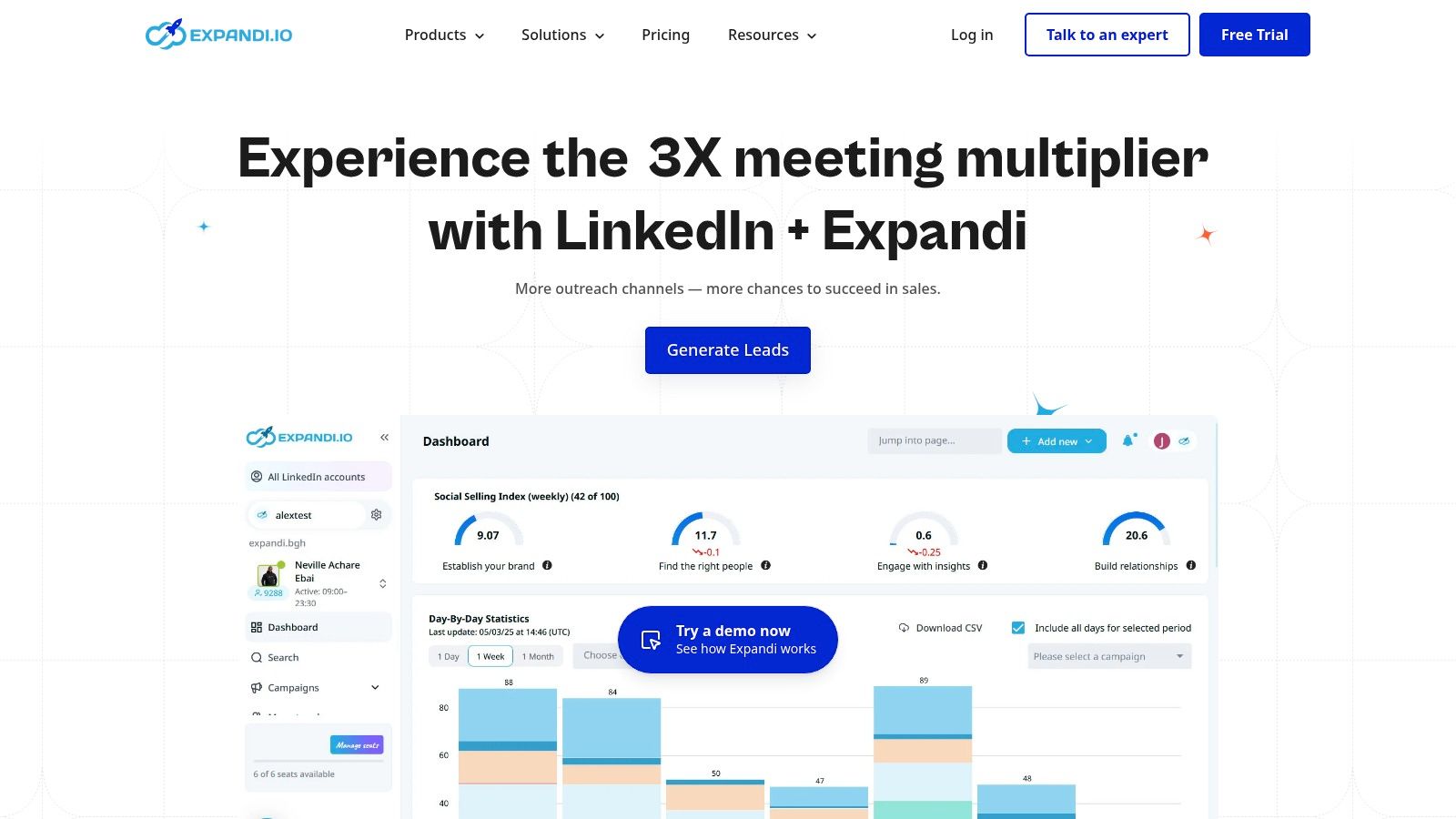
Expandi is a well-known and respected cloud-based tool that focuses heavily on safety. It assigns a dedicated, localized IP address to your account and uses human-like delays and auto-warmup features to protect your profile. It's a favorite among sales teams who want a reliable "set it and forget it" solution.
- Key Features: Smart sequences combining LinkedIn and email actions, advanced personalization (including images/GIFs), webhook integrations, and detailed analytics.
- Pricing: A straightforward $99 per user/month.
- Best for: Sales teams and agencies that prioritize safety and want a robust, all-in-one outreach platform.
Salesflow
Salesflow is another enterprise-focused cloud platform designed for growing sales teams. It provides a centralized dashboard to create, manage, and analyze outreach campaigns across multiple users. Its built-in reporting helps managers track team performance and optimize strategies.
- Key Features: Unlimited campaigns, a unified inbox for managing conversations, HubSpot and Zapier integrations, and advanced reporting.
- Pricing: Starts at $99 per user/month, with custom plans available for larger teams.
- Best for: B2B sales teams that need a scalable solution with strong reporting and CRM integration capabilities.
Waalaxy
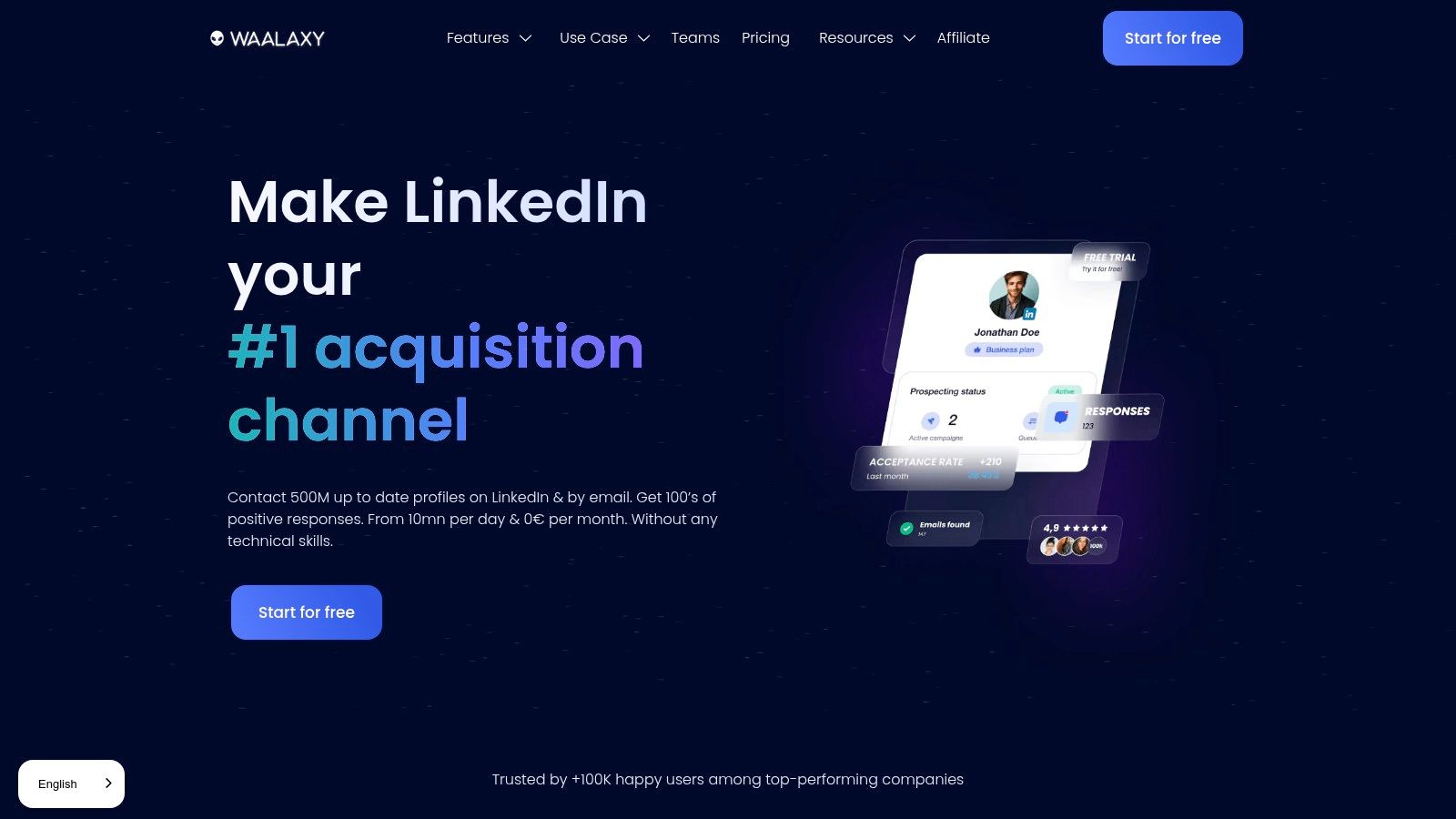
Waalaxy has become incredibly popular, especially among startups and solopreneurs, for its user-friendly interface and freemium model. It combines LinkedIn and email outreach into simple, visual sequences. While it uses a Chrome extension, campaigns run in the cloud, so your computer doesn't need to be on.
- Key Features: Visual campaign builder, built-in email finder and verifier, pre-built templates, and a free plan to get started.
- Pricing: Offers a free plan for basic automation. Paid plans with email features start around €56/month.
- Best for: Beginners, solopreneurs, and small teams looking for an easy-to-use and affordable multi-channel tool.
You can also explore this detailed Lemlist vs Waalaxy comparison to understand which tool scales better for teams.
Dripify
Dripify specializes in creating complex "drip" campaigns with conditional logic. You can build elaborate sequences with various actions (views, endorsements, messages) and set rules based on prospect behavior, like stopping the campaign automatically when someone replies.
- Key Features: Advanced drip campaign builder, reply detection, team management features, A/B testing, and data export to CSV.
- Pricing: Plans range from $59/month to $99/month, depending on the feature set.
- Best for: Sales teams and recruiters who want to build sophisticated, long-term nurturing sequences.

MeetAlfred
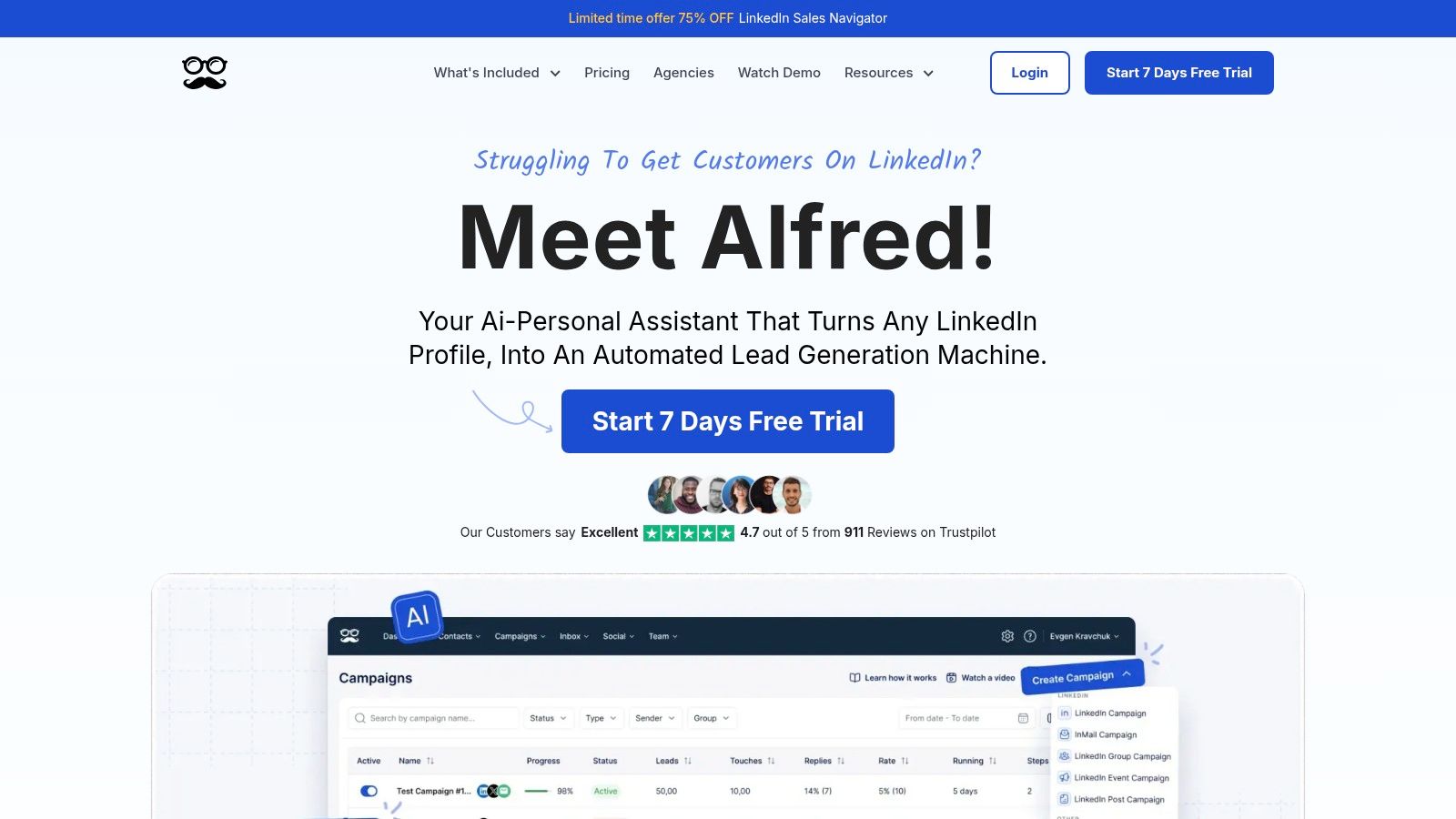
MeetAlfred is a multi-channel tool that orchestrates campaigns across LinkedIn, Email, and X (formerly Twitter). This allows for a more holistic outreach strategy, creating multiple touchpoints with prospects. It also includes social media scheduling features.
- Key Features: Multi-channel campaigns, built-in CRM for lead management, team inbox, and advanced safety limits.
- Pricing: Starts at $59/month for the "Personal" plan.
- Best for: Teams who want to combine LinkedIn outreach with email and social media activity in a single platform.
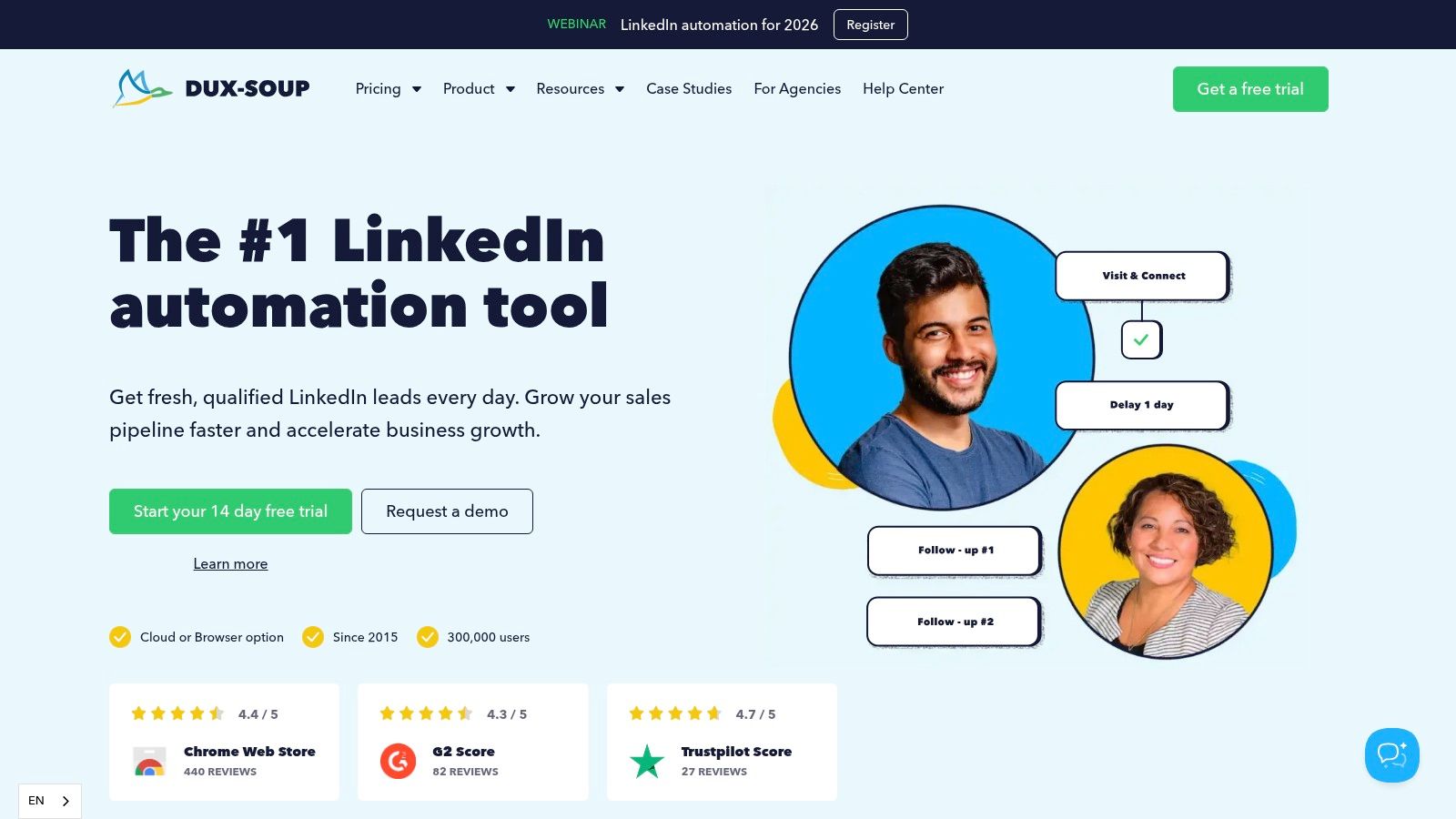
Dux-Soup
One of the oldest and most well-known tools, Dux-Soup is a browser-based extension. It's highly flexible and powerful, especially for scraping profile data. Because it runs locally, you have direct control, but it requires your browser to be open to work.
- Key Features: Profile scraping and data export, automated connection requests and messaging, lead tagging, and integrations with HubSpot, Pipedrive, and Zapier.
- Pricing: Offers a free plan for profile viewing. Paid plans start at a very affordable $14.99/month.
- Best for: Users who want a low-cost, flexible tool for data scraping and basic outreach and are comfortable with a browser-based solution.
Linked Helper 2
Linked Helper is a standalone desktop application, not an extension or a cloud platform. This unique approach gives users maximum control and keeps all data on their local machine. It's incredibly feature-rich and one of the most cost-effective options available.
- Key Features: Advanced workflow builder, integrated CRM for lead management, supports all LinkedIn account types (including Recruiter and Sales Navigator), and highly customizable safety settings.
- Pricing: Starts at just $15/month, making it a budget-friendly powerhouse.
- Best for: Power users and budget-conscious individuals who need a deep feature set and prefer a desktop application.

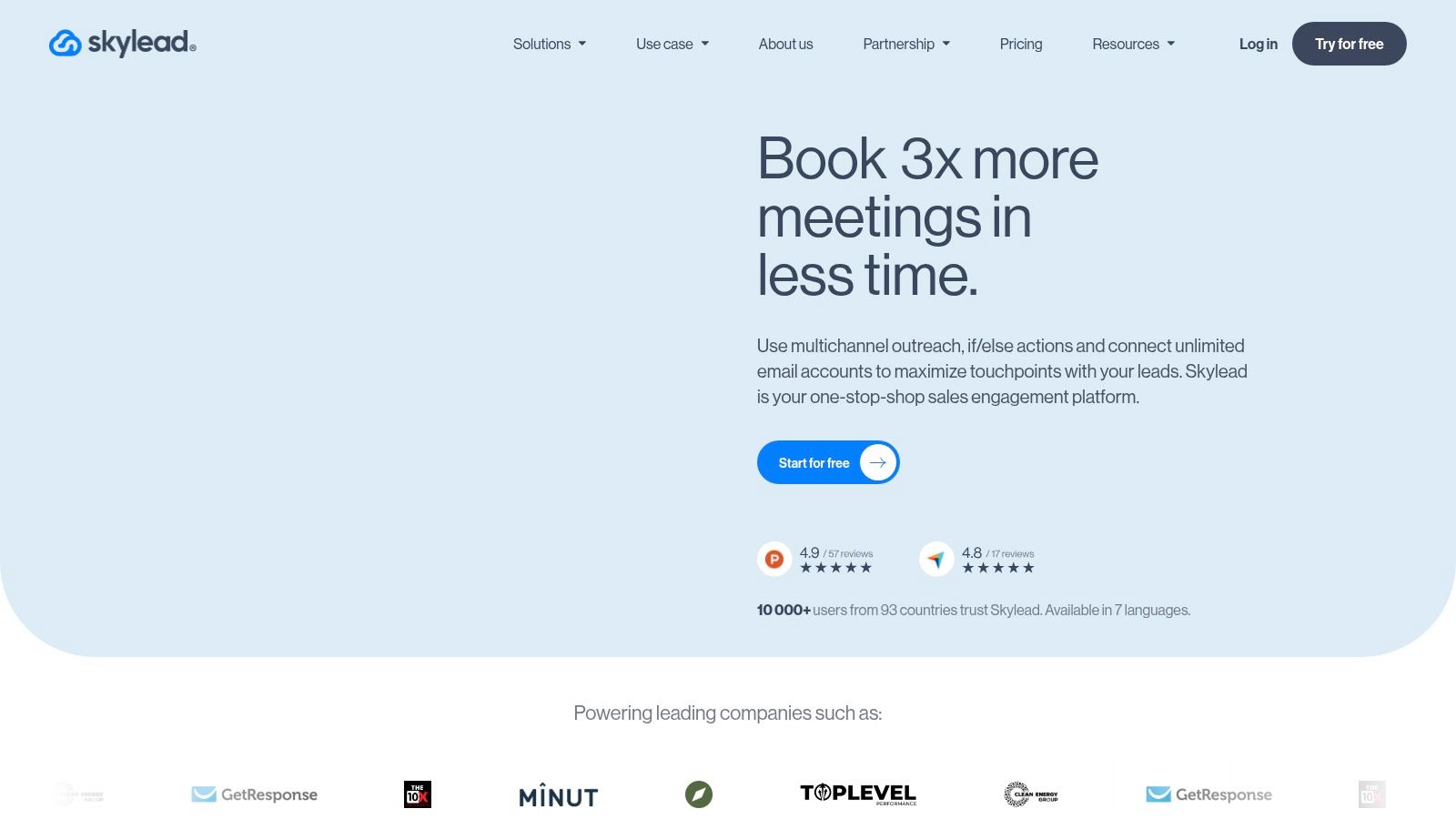
Skylead
Skylead combines LinkedIn and email outreach with a built-in email finder and verifier. Its "Smart Sequences" use conditional logic to create more dynamic campaigns. For example, if a connection request isn't accepted after a few days, the sequence can automatically send an email instead.
- Key Features: Smart sequences with conditional logic, native email discovery, image & GIF personalization, and a unified smart inbox.
- Pricing: A single "All-in-one" plan at $100 per user/month.
- Best for: Sales teams who want an integrated solution for LinkedIn and email outreach with powerful personalization features.
Zopto
Zopto is a premium cloud platform geared towards sales teams and agencies looking for a high-touch experience. It often includes dedicated customer success managers to help with strategy and setup, ensuring users get the most out of the tool.
- Key Features: Advanced filtering (by technology used, follower count, etc.), A/B testing, engagement features (liking posts), and native CRM integrations.
- Pricing: Starts at a premium price point of $215/month.
- Best for: Enterprises and agencies willing to invest in a managed solution with dedicated support.
La Growth Machine
This tool stands out by creating highly sophisticated sequences across three channels: LinkedIn, Email, and X. It focuses on enriching lead data automatically to enable hyper-personalized messaging and provides a clear, visual builder for complex workflows.
- Key Features: Tri-channel outreach, automatic lead enrichment, advanced analytics, and a visual workflow builder.
- Pricing: Starts at €60/month per user, with higher tiers unlocking more features.
- Best for: Growth marketers and sales teams focused on building advanced, multi-channel cadences.
Lemlist
While primarily known as a cold email tool, Lemlist has robust LinkedIn automation features. It allows you to seamlessly integrate LinkedIn steps (like profile visits or connection requests) into your email sequences, making it a fantastic all-in-one choice for sales teams.
- Key Features: Excellent email deliverability features, advanced personalization (images, videos), and native LinkedIn automation steps within email campaigns.
- Pricing: Plans with LinkedIn automation start at $99/month per user.
- Best for: Sales teams that are already email-centric but want to add LinkedIn as a powerful touchpoint.
Platforms like Lemlist combine email and LinkedIn automation, and you can see a full Lemlist vs Apollo comparison to understand how it stacks up against other outbound tools.
LinkedIn Prospecting & Lead Generation Tools
Before you can run outreach, you need a high-quality list of prospects. These tools are designed to help you find, scrape, and enrich data from LinkedIn, turning raw search results into actionable lead lists.
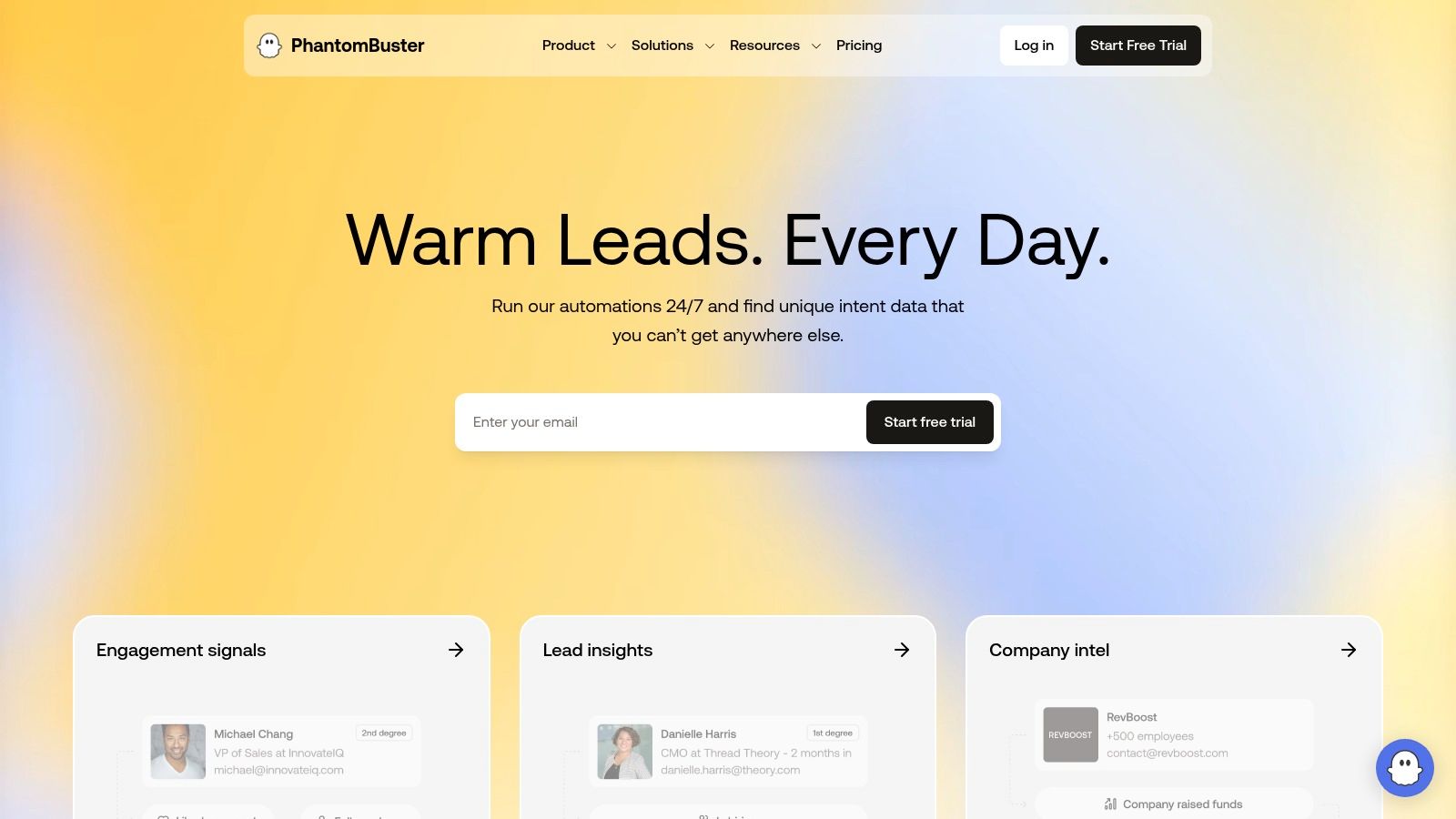
PhantomBuster
PhantomBuster is a growth marketer's dream. It’s not just for LinkedIn; it’s a massive library of over 100 automations (called "Phantoms") for scraping data across the web. You can chain Phantoms together to create complex workflows, like scraping a Sales Navigator search, enriching the leads with a tool like Hunter, and exporting the results to a Google Sheet.
- Key Features: Massive library of automations for LinkedIn, Sales Navigator, Google Maps, and more. Visual workflow builder and deep integration capabilities.
- Pricing: Usage-based pricing starts with a free plan. Paid plans begin at $69/month for 5 hours of execution time.
- Best for: Technical marketers and sales ops teams who need a flexible, API-like tool for building custom data extraction workflows. This is a top-tier LinkedIn lead generation tool.
Scalelist
Scalelist focuses on one thing and does it exceptionally well: generating high-quality lead lists from LinkedIn Sales Navigator. You provide the search URL, and it returns a clean, enriched list with verified email addresses, saving you countless hours of manual prospecting.
- Key Features: Converts Sales Navigator searches into enriched CSV files. Provides verified B2B emails and essential company data.
- Pricing: Pay-as-you-go credit-based system, starting at $39 for 250 leads.
- Best for: Teams who want to outsource the most time-consuming part of prospecting—list building—and get clean, ready-to-use data.
LeadFuze
LeadFuze is an AI-powered lead generation platform with a massive database of business professionals. You can search its database using granular filters and then use its "Fuzebot" AI to automatically add new leads that match your criteria over time. It also integrates directly with many outreach tools.
- Key Features: Large B2B contact database, AI-powered list building, email verification, and integrations with popular sales and marketing platforms.
- Pricing: Starts at $147/month for 500 lead credits.
- Best for: Sales teams who need a reliable source of fresh, verified leads delivered automatically.
Evaboot
Evaboot is a smart scraper for Sales Navigator that not only extracts leads but also cleans and verifies the data. It's designed to identify and filter out "false positives" from your searches, ensuring the final list is highly relevant to your ICP.
- Key Features: Extracts and cleans Sales Navigator search results, double-verifies email addresses, and identifies irrelevant contacts.
- Pricing: Credit-based, starting at $49 for 2,000 credits.
- Best for: Sales Navigator users who want to ensure their exported lead lists are clean, accurate, and ready for outreach.
AeroLeads
AeroLeads is a prospect generation tool that works via a Chrome extension. You can use it to find business emails and phone numbers from LinkedIn or other websites. It captures prospects along with up to 15 data points and allows you to export them to a CSV or transfer them to your CRM.
- Key Features: Finds emails and phone numbers, captures rich prospect data, and integrates with major CRMs like Salesforce and HubSpot.
- Pricing: Starts at $49/month for 2,000 credits.
- Best for: Individuals and small teams needing a simple and effective tool to find contact information while browsing LinkedIn.
LinkedIn Engagement & Content Tools
Automation isn't just for sales outreach. These tools help you amplify your personal brand, engage with your network at scale, and establish yourself as an authority in your industry.
Taplio
Taplio is an all-in-one content creation and scheduling platform built specifically for LinkedIn. It uses AI to help you find inspiration, write engaging posts, and schedule them for optimal times. Its real power comes from its engagement features, which help you connect with relevant people and posts in your niche.
- Key Features: AI-powered content creation, post scheduling, viral post library for inspiration, and targeted engagement features.
- Pricing: Starts at $65/month.
- Best for: Founders, marketers, and consultants who want to build a strong personal brand on LinkedIn through consistent, high-quality content.
Lempod (Note: Use with caution)
Lempod created the concept of "engagement pods," where users automatically like and comment on each other's posts to boost visibility. While effective at gaming the algorithm, this practice is against LinkedIn's terms of service and can appear inauthentic if overused. It's included for completeness but should be approached with caution.
- Key Features: Automatic likes and comments from other users in a "pod" to increase post reach.
- Pricing: Starts at $9.99 per month per pod.
- Best for: Users who understand the risks and want to experiment with artificially boosting post engagement for specific, high-stakes content.
AuthoredUp
AuthoredUp is a LinkedIn post editor and analytics tool. It provides a rich text editor with advanced formatting options, a real-time post preview, and detailed analytics on your content's performance. It helps you understand what resonates with your audience so you can create better content over time.
- Key Features: Advanced post editor, real-time preview, company page management, and in-depth content analytics.
- Pricing: Starts at a very accessible $25/month.
- Best for: Serious content creators on LinkedIn who want to professionalize their posting workflow and make data-driven decisions.
Adobe Express
While not a LinkedIn-specific tool, Adobe Express is a game-changer for creating high-quality visuals for your posts. With thousands of templates, a powerful AI image generator, and simple editing tools, you can create eye-catching carousels, infographics, and post images in minutes, even with no design experience.
- Key Features: Massive template library, AI-powered design tools, brand kit management, and seamless integration with other Adobe products.
- Pricing: Offers a generous free plan. The premium plan is around $9.99/month.
- Best for: Anyone who wants to elevate the visual quality of their LinkedIn content without the complexity of Photoshop.
Cloud vs. Browser-Based Tools — Which Should You Choose?
This is a critical decision when selecting a LinkedIn automation tool. The architecture of the tool directly impacts its safety, convenience, and functionality. So, what’s the difference? 🤔
- Browser-Based Tools (Extensions): These tools operate as an extension within your web browser (like Chrome). They automate actions in real-time as if you were clicking yourself.
- Cloud-Based Tools: These platforms run your automation campaigns from a remote server. You set up your campaign on their website, and it runs 24/7 in the background from a dedicated IP address.
Here’s a head-to-head comparison:
| Feature | Cloud-Based Tools | Browser-Based Tools |
|---|---|---|
| Safety | ✅ Generally Safer. Uses a dedicated, stable IP address that isn't associated with other automation activities. Less likely to trigger LinkedIn's detection algorithms. | ⚠️ Higher Risk. Runs from your personal IP, which can fluctuate. Some extensions leave a "fingerprint" in the browser's code that can be detected. |
| Convenience | ✅ "Set it and forget it." Campaigns run 24/7, even when your computer is off. Perfect for teams and continuous outreach. | ❌ Requires your computer to be on and the browser to be running for campaigns to execute. |
| Scalability | ✅ Excellent for Teams. Most cloud platforms are built for managing multiple accounts from a single, centralized dashboard. | ❌ Difficult to Scale. Managing multiple accounts requires multiple browser profiles and can become operationally complex. |
| Cost | 💰 Higher Price Point. Typically priced from $50-$150 per month due to server costs and advanced features. | 💸 More Affordable. Often available for a lower monthly fee, with some starting under $20/month. |
So, which is right for you?
- Choose Cloud-Based if: Safety, scalability, and convenience are your top priorities. You're part of a sales team or agency, and you need a reliable solution that runs continuously.
- Choose Browser-Based if: You're a solopreneur on a tight budget, you primarily need data scraping features, or you only run short, supervised campaigns.
How to Choose the Right LinkedIn Automation Tool
Feeling overwhelmed by the options? Don't be. Choosing the right tool comes down to answering four simple questions about your needs.
- What is your primary use case?
- Sales Outreach: You need a robust outreach tool like Gojiberry or Expandi.
- Lead List Building: A prospecting tool like PhantomBuster or Evaboot is your best bet.
- Personal Branding: Focus on content tools like Taplio or AuthoredUp.
- What is your budget?
- Under $50/month: Look at browser-based options like Dux-Soup or desktop apps like Linked Helper. Waalaxy's free plan is also a great starting point.
- $50 - $100/month: This is the sweet spot for powerful cloud-based tools like Gojiberry, Expandi, and Skylead.
- $100+/month: You're in the premium territory with tools like Zopto or GojiBerry orplatforms that bundle multiple services.
- How important is scalability?
If you're an agency or a growing sales team, you need a tool built for managing multiple accounts. Platforms like HeyReach and Salesflow are designed for this, offering unified inboxes and team analytics that standalone tools lack. - How much do you value safety and compliance?
While all reputable tools have safety features, cloud-based platforms generally offer a higher level of security by using dedicated IP addresses. If protecting your LinkedIn account is your number one concern, investing in a quality cloud-based tool is non-negotiable.- Start slow: Keep daily connection requests under 20 per day for the first few weeks to warm up your account.
- Personalize everything: Use custom variables beyond just
{FirstName}. Mention a shared connection, a recent post, or a mutual interest. The goal is to make your automated outreach feel human. - Monitor your stats weekly: Keep an eye on your connection acceptance rate and reply rate. If your acceptance rate is below 30%, your targeting or messaging needs work.
- Use Spintax: Write several variations of your connection note or message. Good tools will rotate through them to avoid sending the exact same text over and over.
- "Set it and forget it": Automation should assist you, not replace you. Always be ready to jump into the conversation once someone replies.
- Run automation 24/7: Schedule your campaigns to run only during normal business hours in your target's time zone.
- Pitch in the connection request: The goal of the first touchpoint is to start a conversation, not to sell.
- Ignore replies: The whole point of automation is to generate conversations. Have a system in place to manage and respond to positive replies quickly.
- Outreach Tools to run your campaigns.
- Prospecting Tools to build your lists.
- Engagement Tools to build your brand.
For 90% of users, one great outreach tool and one specialized prospecting tool are all you need to build a powerful lead generation machine.
FAQ
Are LinkedIn automation tools safe to use in 2026?
Yes, if used correctly. Modern cloud-based tools that mimic human behavior and operate within reasonable daily limits are generally safe. The risk comes from using cheap, poorly-coded tools or being overly aggressive with your outreach volume. Stick to reputable platforms and follow best practices.
Can I get my LinkedIn account banned?
Yes, it's possible, especially if you violate LinkedIn's policies by spamming users or using outdated tools. To minimize risk, warm up your account, keep volumes low, and focus on personalization to ensure a high acceptance rate. A low acceptance rate is a major red flag for LinkedIn.
What's the best LinkedIn automation tool for a beginner?
For beginners, Waalaxy or Dux-Soup are excellent starting points. Waalaxy offers a very intuitive visual builder and a free plan, making it easy to learn the ropes. Dux-Soup is incredibly affordable and straightforward for basic tasks like profile visits and connection requests.
Do I need multiple automation tools?
Usually, no. For most users, one primary outreach tool (like HeyReach or Expandi) is sufficient. You might add a specialized prospecting tool (like PhantomBuster) if you have complex data scraping needs, but one or two tools will cover 90% of use cases.
It's Time to Scale Smarter, Not Harder
We've covered a lot of ground—from all-in-one outreach platforms to specialized tools for prospecting and content. The world of LinkedIn automation tools is vast, but the mission is simple: to help you connect with the right people more efficiently.
Remember the three categories:
The key takeaway? You don't need a dozen different subscriptions. For most, one powerful outreach tool is enough to transform their lead generation process. The goal is not just to automate, but to create genuine conversations at scale. Choose a tool that fits your budget and workflow, commit to the best practices, and watch your pipeline grow.
Ready to put these strategies into action? Your next valuable conversation is just a smart sequence away. Go make it happen! 🚀

More High-Intent Leads = Your New Growth Engine.
Start Now and Get New High Intent Leads DeliveredStraight to Slack or Your Inbox.