
LinkedIn Automation Tool Warning: 5 Pitfalls You Can't Ignore

Think LinkedIn automation is a risk-free game? Think again… 😉
It’s no secret that sales teams, founders, and recruiters are all jumping on the automation train. Who wouldn't want to scale their outreach and fill their pipeline faster? But here's the catch: many tools promise the world but deliver a world of hurt. We're talking about sudden account bans, a spammy reputation that kills your credibility, and a professional image that goes up in smoke.
Ready for some good news? It doesn't have to be this way. In this guide, you’ll discover the 5 biggest LinkedIn automation pitfalls—and exactly how to avoid them safely. Let's dive in and learn how to automate the smart way.
The 5 Major LinkedIn Automation Pitfalls
Let's be real, using automation on LinkedIn can feel like walking a tightrope. One wrong move, and boom—you're looking at that dreaded "Your Account has been Restricted" notification. So, what are the common traps? Think of this as your guide to not becoming another cautionary tale.
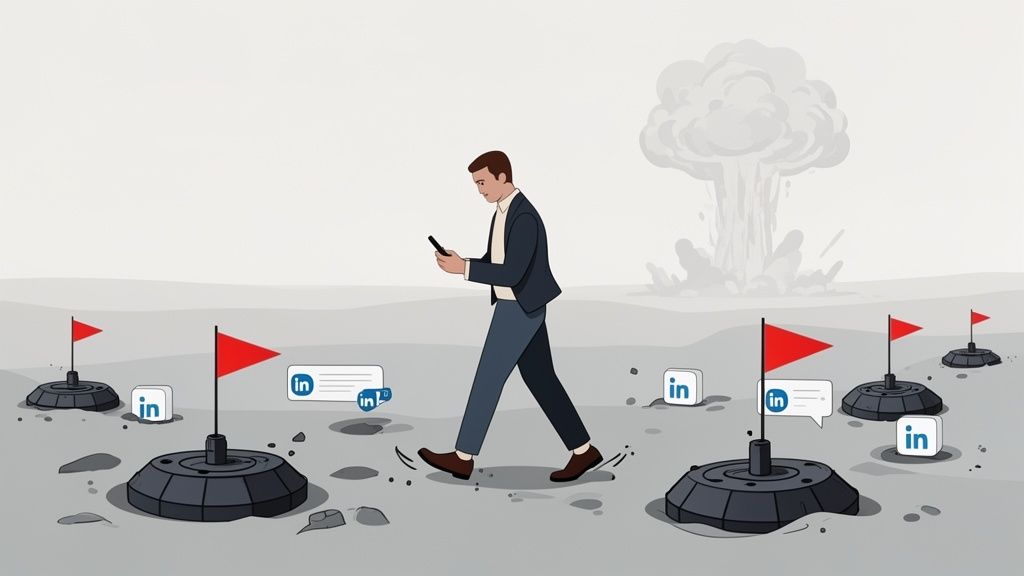
Here are the five pitfalls that trip people up most often:
- The Account Ban (LinkedIn Detects Automation): This is the big one. Sending 500 connection requests in a single day is a surefire way to get your account suspended, often within 48 hours. LinkedIn’s algorithm sees that volume and immediately raises a red flag for spammy behavior.
- Loss of Credibility (Generic Messages): You've seen them, right? Those robotic messages that scream "I'm a template!" When prospects receive the exact same pitch dozens of times from different people, it doesn't just get ignored; it actively damages your professional brand.
- Poor Targeting & Segmentation: Messaging your direct competitors or profiles totally irrelevant to your business isn't just bad form—it's a complete waste of your outreach efforts and a clear sign of sloppy automation.
- No Follow-Up Strategy: Setting up an automation sequence and then walking away is a recipe for failure. If your tool sends the first message and you're not there to handle the replies, you're letting warm leads turn ice-cold.
- Using Non-Compliant Tools: This is a critical one. Tools that scrape LinkedIn data by pulling it directly from the site are in direct violation of LinkedIn's Terms of Service. Using them puts your account at serious risk of a permanent ban.
Why LinkedIn Detects Automation (And How It Works)
Ever wondered how LinkedIn sniffs out automation tools with such accuracy? It's not magic—it's a sophisticated system designed to spot behavior that just doesn't look human. Think of it as a digital bouncer, constantly scanning for patterns that scream "BOT!"
LinkedIn’s detection technology looks for a few key red flags:
- IP Addresses: Is your account being accessed from a suspicious or blacklisted IP address, often used by shady cloud-based tools? Flag.
- Behavioral Patterns: Are you sending connection requests faster than a human can type? Are you online 24/7 without a break? Flag.
- Message Repetition: Blasting the exact same message to hundreds of people is one of the easiest bot-like behaviors to detect. Flag.
The consequences are severe. A temporary suspension is the best-case scenario. The worst? A permanent ban, the loss of your entire network, and long-term damage to your professional reputation.
As one user famously reported after using a risky tool:
"I lost 10 years of LinkedIn connections in a single day."
That’s a decade of network-building, gone in an instant. This is why understanding LinkedIn automation risks isn't just smart; it's essential.
How to Use LinkedIn Automation Safely
So, how do you harness the power of automation without getting slapped with a LinkedIn automation ban? The secret isn't about finding hacks or loopholes. It's about using automation to enhance, not replace, human interaction. These are the best practices that keep your account safe and your outreach effective.
1. Respect LinkedIn Limits
This is non-negotiable. To fly under the radar, keep your activity within reasonable, human-like thresholds.
- Do: Aim for a max of ~100 connection requests per day.
- Don't: Try to send 500 requests in an hour, thinking you can trick the system.
2. Personalize Every Message
Nobody wants to feel like just another number in your sequence. Personalization shows you've done your homework.
- Do: Use variables like
{{firstName}},{{company}}, and{{role}}to tailor your outreach. - Don't: Send the same generic, copy-pasted message to everyone.
3. Vary Your Behavioral Patterns
Humans are random. Your automation should be, too.
- Do: Use tools that add randomized delays and natural timing between actions.
- Don't: Settle for tools that perform actions at the exact same interval, like a machine.
4. Segment Your Audience Properly
Relevance is key to both safety and success.
- Do: Create hyper-targeted lists based on industry, role, company size, or recent activity.
- Don't: Use a "spray and pray" approach, messaging anyone and everyone.
5. Keep Humans in the Loop
Let automation be your assistant, not your replacement.
- Do: Use automation for the first touchpoint, then step in personally to handle replies and build genuine relationships.
- Don't: Set it and forget it. Real connections happen when a human takes over.
Want to learn more? For those running larger-scale operations, learning how to create a LinkedIn farm and automate multiple accounts the right way is essential to staying off LinkedIn's radar.
Safe Tools vs. Risky Tools: Know the Difference
Not all automation tools are created equal. Some are designed with a "growth at all costs" mindset that will get you banned, while others are built for smart, sustainable outreach that respects LinkedIn's platform. Knowing the difference is your best defense against a LinkedIn automation tool warning.
Safe tools prioritize LinkedIn automation compliance. They have safety features built-in and focus on personalization. Risky tools, on the other hand, often rely on scraping, encourage massive outreach, and ignore the daily limits that keep you safe. Based on industry feedback, using these risky tools can lead to ban rates as high as 30%.
Here’s a clear breakdown:
FeatureSafe Tools (LinkedIn-Compliant)Risky Tools (Avoid These)PhilosophyMimic human behavior to build real connections.Blast as many messages as possible, no matter the cost.TechnologyUse cloud-based actions and public data. Transparent about methods.Rely on scraping, browser extensions, and shady tech.LimitsBuilt-in, non-negotiable daily limits to protect your account.No limits or throttling, encouraging dangerous activity.PersonalizationAdvanced features like custom variables and Spintax.Basic {{firstName}} personalization, if any.Ideal Use CaseGojiberry: Fully compliant, advanced personalization for serious outreach.Dex: A CRM with light automation features.Lemlist: Email-first with LinkedIn steps for manual control.Mass message bots, data scrapers, and any tool that guarantees thousands of connections per week.
Ultimately, do you want a partner for sustainable growth or a shortcut to getting your account locked? The choice is clear.
Checklist: Is Your LinkedIn Automation Tool Safe?
Before you hit "start" on any automation campaign, run your tool through this quick safety check. Think of it as your pre-flight inspection to ensure a smooth journey. Getting this right is the key to achieving long-term success without putting your account on the line.
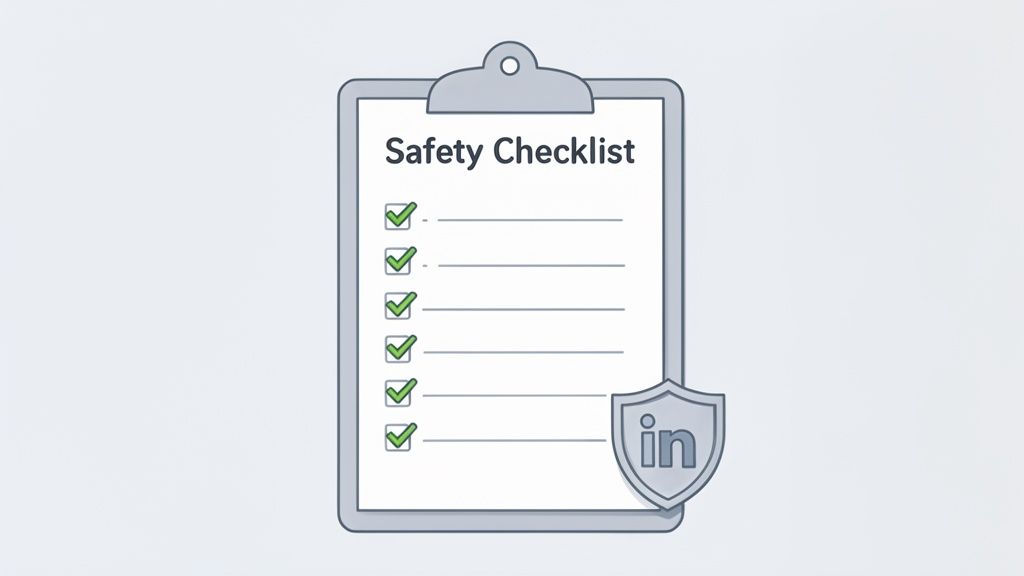
Does your tool pass the test?
- Respects LinkedIn Limits? It should automatically cap you at ~100 connections and ~50 messages per day.
- Personalizes Messages? Can you use custom variables and unique content to avoid sounding robotic?
- Varies Behavior Patterns? Does it add random delays between actions to mimic human behavior?
- Transparent About Technology? Is the company clear that it does not use scraping?
- Includes Manual Follow-Up? Does it make it easy for a human to jump in when a prospect replies?
- Positive User Reviews? Are users praising its effectiveness, not complaining about account bans?
- Offers a Guarantee? The most confident tools offer a refund or guarantee if your account gets restricted while using them.
Ticking these boxes is your best defense against ever seeing a LinkedIn automation tool warning.
Ready to Automate the Right Way?
You’ve seen the risks and you know the rules. The real question is, are you ready to stop gambling with your account and start using automation the way it was meant to be?
Looking for a safe and effective LinkedIn automation tool? Gojiberry was designed from the ground up to respect LinkedIn's rules while maximizing your outreach performance. It’s all about focusing your energy on high-intent leads without putting your account on the line.
👉 Try Gojiberry for free – zero ban risk
With Gojiberry, you get:
- A fully compliant, cloud-based platform
- Our comprehensive LinkedIn safety guide
- 24/7 support to help you build a safe and powerful pipeline
Your Path to Smarter Automation Starts Now
We've covered the 5 major pitfalls of LinkedIn automation and the 5 core safety rules to protect your account. The takeaway is simple: LinkedIn automation is incredibly powerful—but only if it's done correctly. Don't risk years of network-building on a shady tool or a risky strategy.
Start today with a compliant, risk-free automation tool and build a pipeline you can count on for years to come.
FAQ: Your LinkedIn Automation Questions Answered
Still have questions? You're not alone. Let's tackle some of the most common concerns about using automation safely and effectively.
How can I spot a data-scraping tool?
The biggest tell is how it gathers data. If a tool uses a browser extension that "visits" hundreds of profiles per hour to copy-paste information, it's scraping. Compliant tools work with data you already have access to or use LinkedIn's public data in a respectful way. If a tool's website is vague about its methods or boasts about extracting thousands of profiles, that’s a huge red flag.
I received a warning from LinkedIn... now what?
First, don't panic. Immediately stop all automation. Log out of any third-party tools connected to your LinkedIn account. Read LinkedIn's warning carefully to understand what triggered it. Then, lay low for a few days. Use your account manually and sparingly to show the algorithm that the bot-like behavior has stopped. This is often enough to resolve a first-time warning.
Can I still get banned even if I stick to the daily limits?
Yes, absolutely. Staying under 100 connection requests isn't a magic shield. LinkedIn's algorithm cares just as much about the quality and relevance of your outreach. Sending 100 identical, generic, and poorly targeted messages can still get you flagged faster than sending 150 highly personalized, relevant requests. Context and personalization matter more than just the numbers.

More High-Intent Leads = Your New Growth Engine.
Start Now and Get New High Intent Leads Delivered Straight to Slack or Your Inbox.